Setting up the monitor │ 63
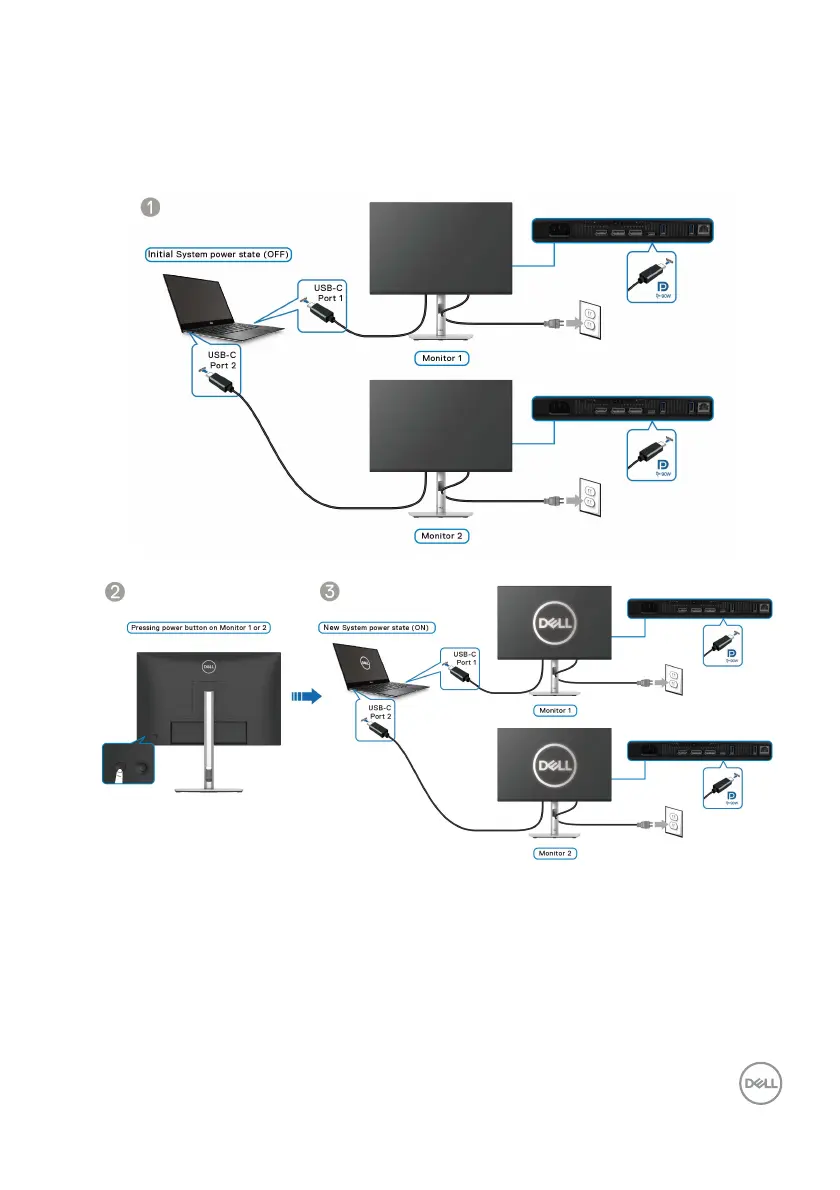
Ensure that Dell Power Button Sync is set to On (see Dell Power Button Sync).
When the PC and two monitors are in an initial OFF
power state, pressing the
power button on Monitor 1 or Monitor 2 will turn ON the PC, Monitor 1, and
Monito
r 2.



 To Next Page