Operating the monitor │ 69
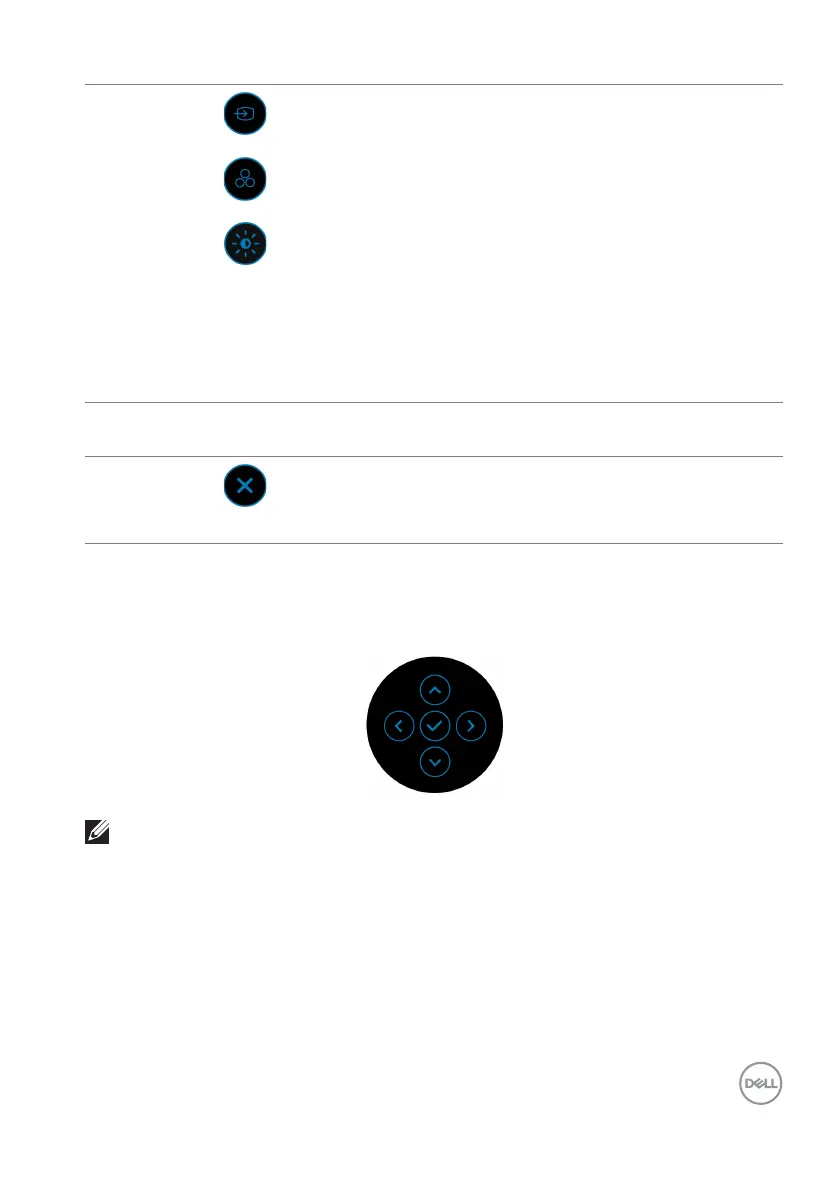
Using the navigation keys
When the OSD main menu is active, move the joystick to configu
re the settings,
following the navigation keys displayed below the OSD.
NOTE: To exit the current menu item and return to the previous menu,
move the joystick to the left until you exit.
2
Shortcut
functions
When you move the joystick to the left or right to
t
oggle through the shortcut functions, the selected
item will be highlighted and shifted to the center
position. Press the joystick to enter its submenu.
• Input So
urce: To choose an input source from the
listed video signals.
• Pr
eset Modes: To choose a preferred color mode
from the list of preset modes.
• Bri
ghtness/Contrast: To access the adjustment
sliders of brightness and contrast.
NOTE: You can
set your preferred shortcut keys. For
more information, see Personalize.
NOTE: A
fter you change the settings, follow the navigation keys to confirm the
changes before proceeding to another function or exiting.
3
Exit
To exit the Menu Launcher.



 To Next Page