86 │ Operating the monitor
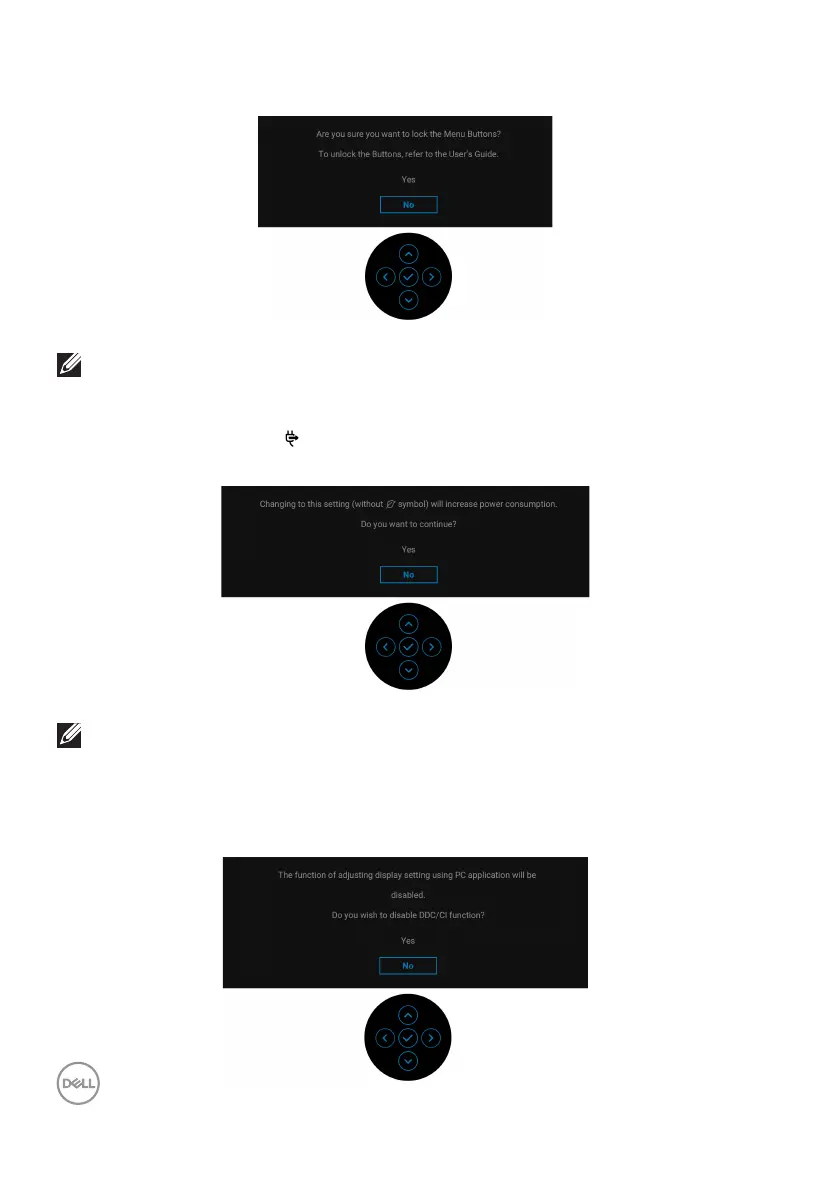
You will see the following message before the Lock function is activated:
NOTE: The message may be slightly different according to the selected
settings.
When you change the default setting of po
wer saving features for the first time,
such as USB-C Charging
90W, Other USB Charging, or Fast Wakeup (only
for P2
425HE/P2425HE WOST/P2425E), the following message appears:
NOTE: If you select Yes for either one of the functions mentioned
above, the message will not appear the next time you change the
settings of these functions. When you perform the factory reset (see
Factory Reset), the message will appear again.
You will see the following message before the DDC
/CI function is disabled:



 To Next Page