Operating your monitor │ 45
Menu and Power button lock
Controls user access to adjustments.
The default setting of Menu and Power buttons lock is Disable.
1
2
3
4
5
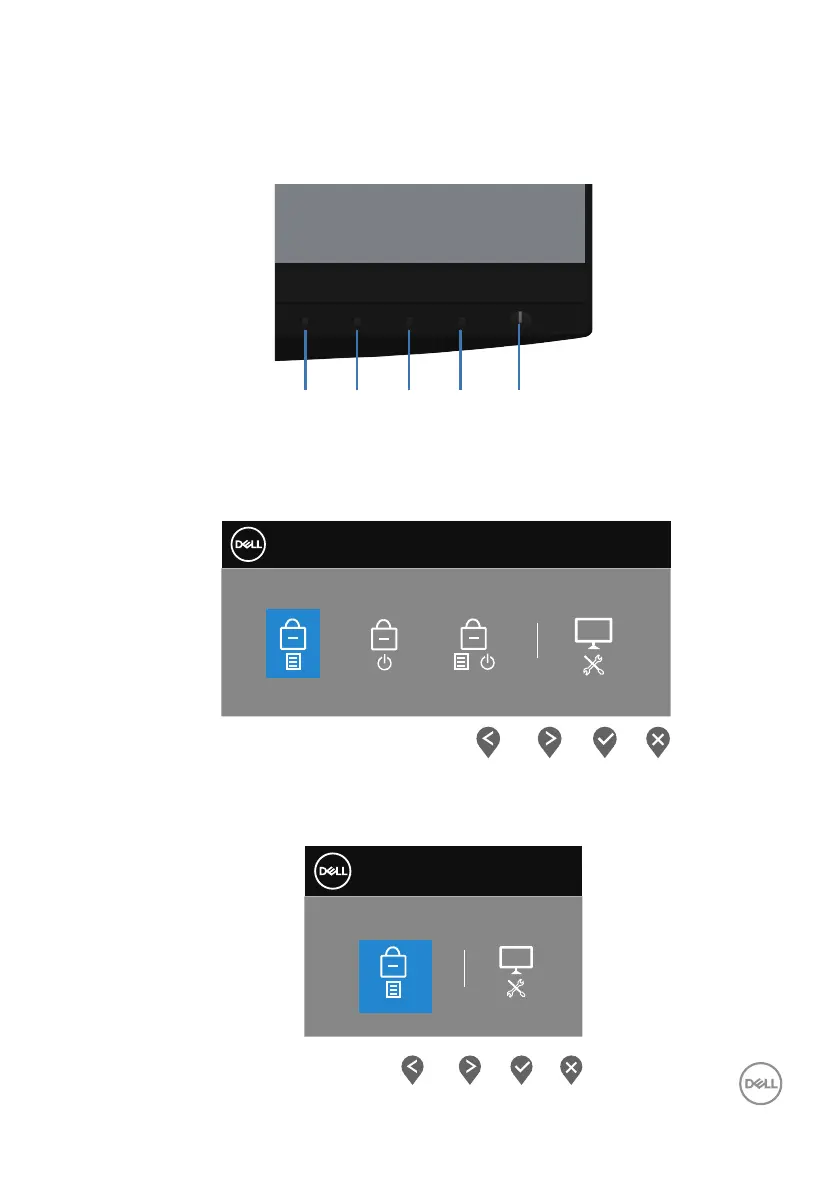
To enter the lock menu: Hold the Exit key (button 4) for 4 seconds to display the lock
menu (when Menu and Power buttons unlocked), A lock menu appears and is shown
on the bottom right corner of display screen.
Dell 27 Monitor
Select Option:
+
To enter the unlock menu: Hold the Exit key (button 4) for 4 seconds to display the
lock menu (when Menu and Power buttons locked), A unlock menu appears and is
shown on the bottom right corner of display screen.
Select Option:
Dell 27 Monitor



 To Next Page