66 │ Operating the monitor
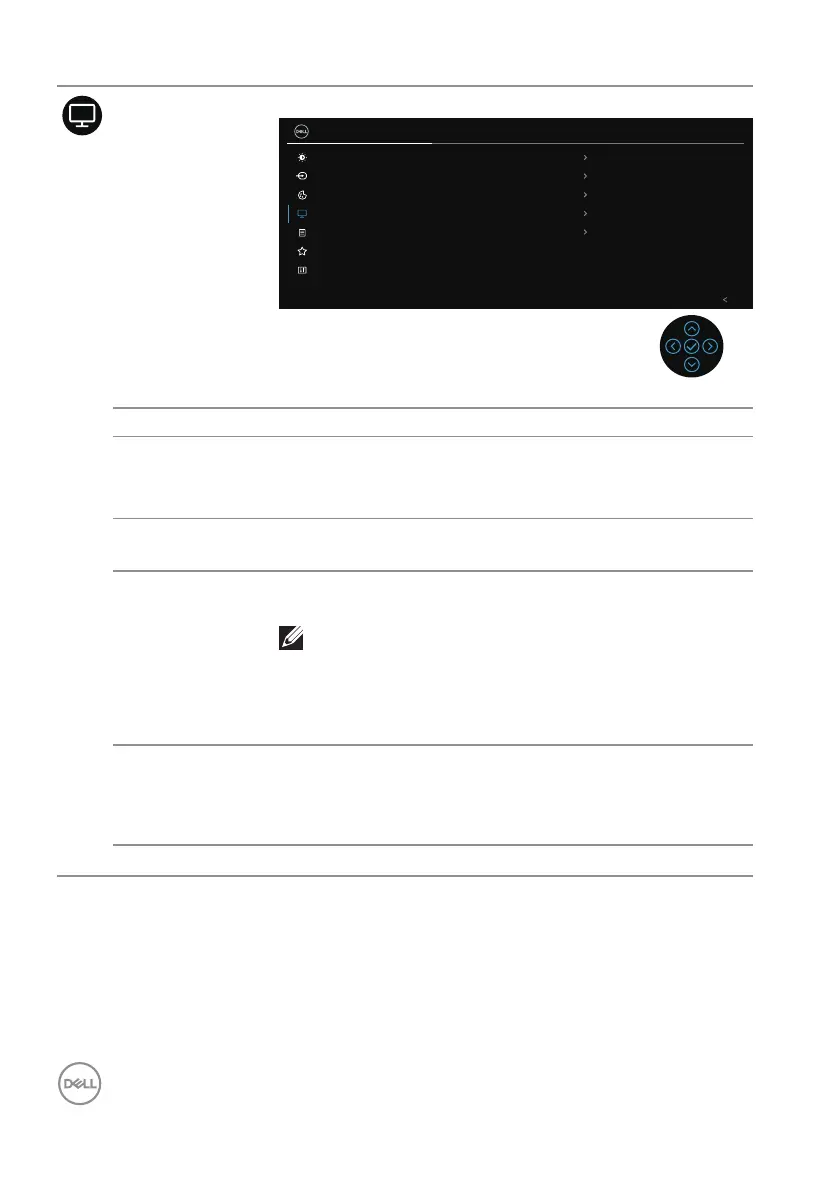
Display Use the display to adjust image.
Brightness/Contrast
Input Source
2X Monitor
Color
Display
Menu
Personalize
Others
Exit
Aspect Ratio
16:9
50
Normal
o
High Data Speed
Sharpness
Response Time
MST
USB-C Prioritization
Reset Display
Aspect Ratio Adjusts the image ratio to 16:9, 4:3 or 5:4.
Sharpness This feature can make the image look sharper or softer.
Move the joystick to adjust the sharpness level from ‘0’
to ‘100’.
Response Time Allows you to set the Response Time to Normal or
Fast.
MST DisplayPort Multi Stream Transport. The default setting
is Off. To enable MST (DP out), select On.
NOTE: When the DisplayPort/USB-C cable
and the DP downstream cable are connected,
the OSD will set MST to On automatically.
This action will only be done once after Fac-
tory Reset or Reset Display is selected.
USB-C
Prioritization
Allows you to specify the priority to transfer the data
with high resolution (High Resolution) or high speed
(High Data Speed) when using the USB-C port/
DisplayPort.
Reset Display Resets all display settings to the factory preset values.



 To Next Page