74 │ Operating the monitor
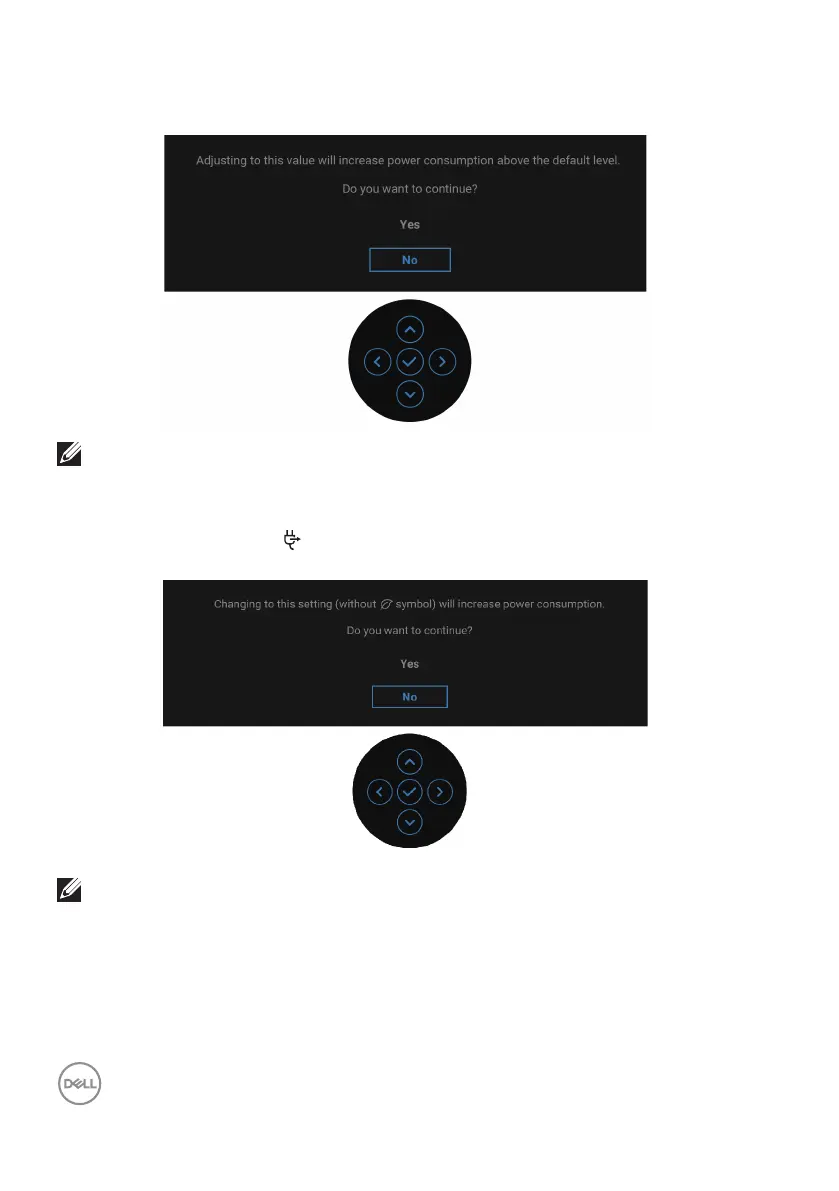
When you adjust the Brightness level above the default level for the first time, the
following message appears:
NOTE: If you select Yes, the message will not appear the next time you
change the Brightness setting.
When you change the default setting of power saving features for the first time,
such as USB-C Charging 90W, Other USB Charging, or Fast Wakeup, the
following message appears:
NOTE: If you select Yes for either of the features mentioned above,
the message will not appear the next time you change the settings of
these features. When you perform a factory reset, the message will
appear again.



 To Next Page