76 │ Operating the monitor
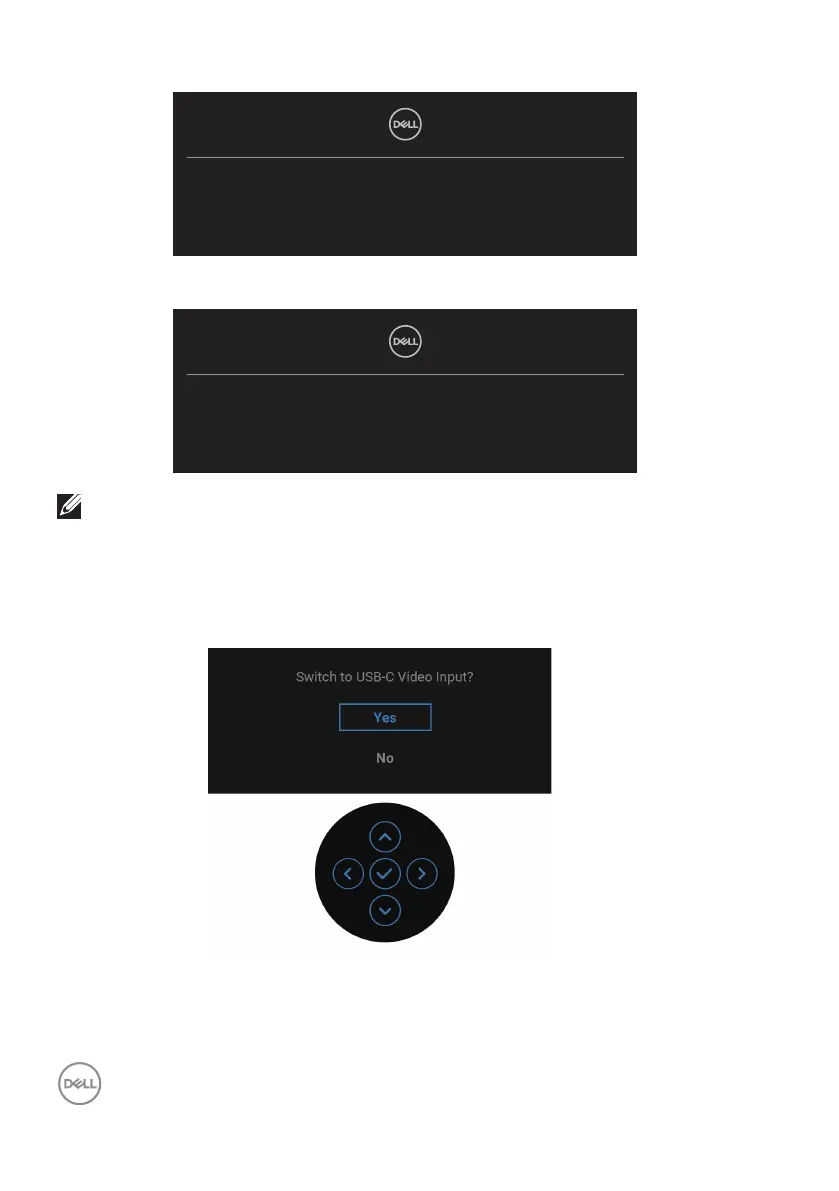
No DP Cable
The display will go into Standby mode in 4 minutes.
www.dell.com/P2X23DE
or
No HDMI Cable
The display will go into Standby mode in 4 minutes.
www.dell.com/P2X23DE
NOTE: The message may be slightly dierent according to the
connected input signal.
When the monitor is under DP/HDMI input and a USB-C (C-C) cable is connected
to a notebook that supports DP Alternate Mode, if Auto Select for USB-C is
enabled, the following message appears:



 To Next Page