32 │ Setting up the monitor
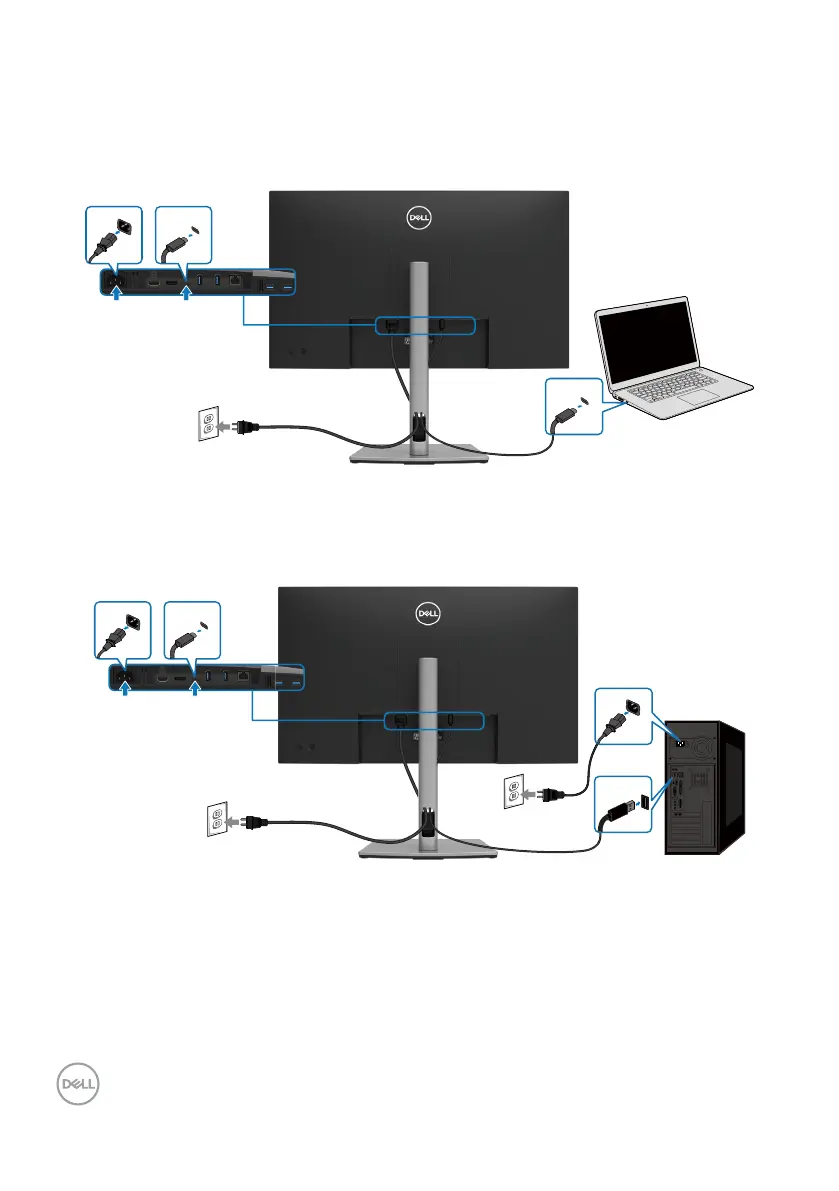
Connecting the USB Type-C cable (C to C)
The USB Type-C port on your monitor:
• Can be used as USB Type-C or DisplayPort 1.4, alternatively.
• Supports USB Power Delivery (PD), with profiles up to 90 W.
USB Type-C
USB Type-C
Connecting the USB Type-C cable (C to A)
USB Type-C
USB



 To Next Page