Operating the Monitor | 67
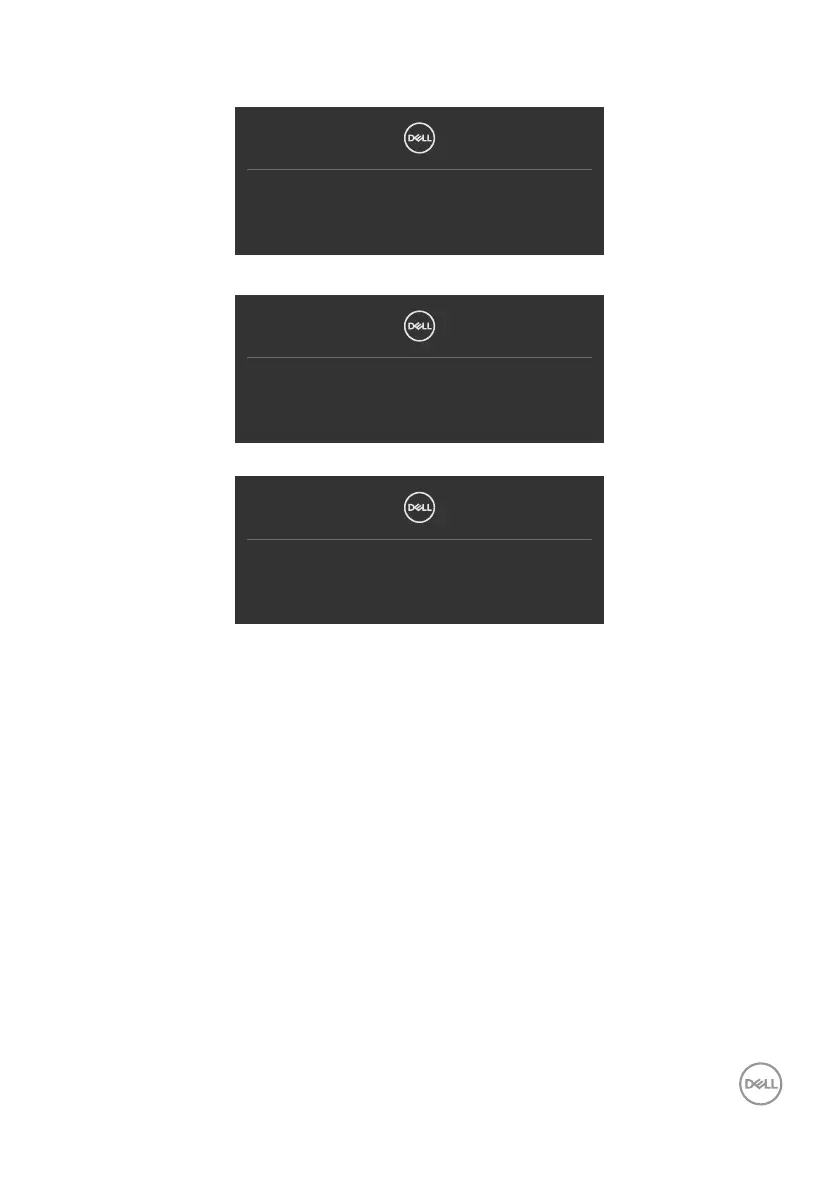
If either HDMI, DP or USB-C input is selected and the corresponding cable is not
connected, a floating dialog box as shown below appears.
No HDMI Cable
The display will go into Standby mode in 4 minutes.
www.dell.com/P3222QE
or
No DP Cable
The display will go into Standby mode in 4 minutes.
www.dell.com/P3222QE
or
No USB-C Cable
The display will go into Standby mode in 4 minutes.
www.dell.com/P3222QE
See Troubleshooting for more information.



 To Next Page