Operating the Monitor | 49
Joystick Functions
Functions Description
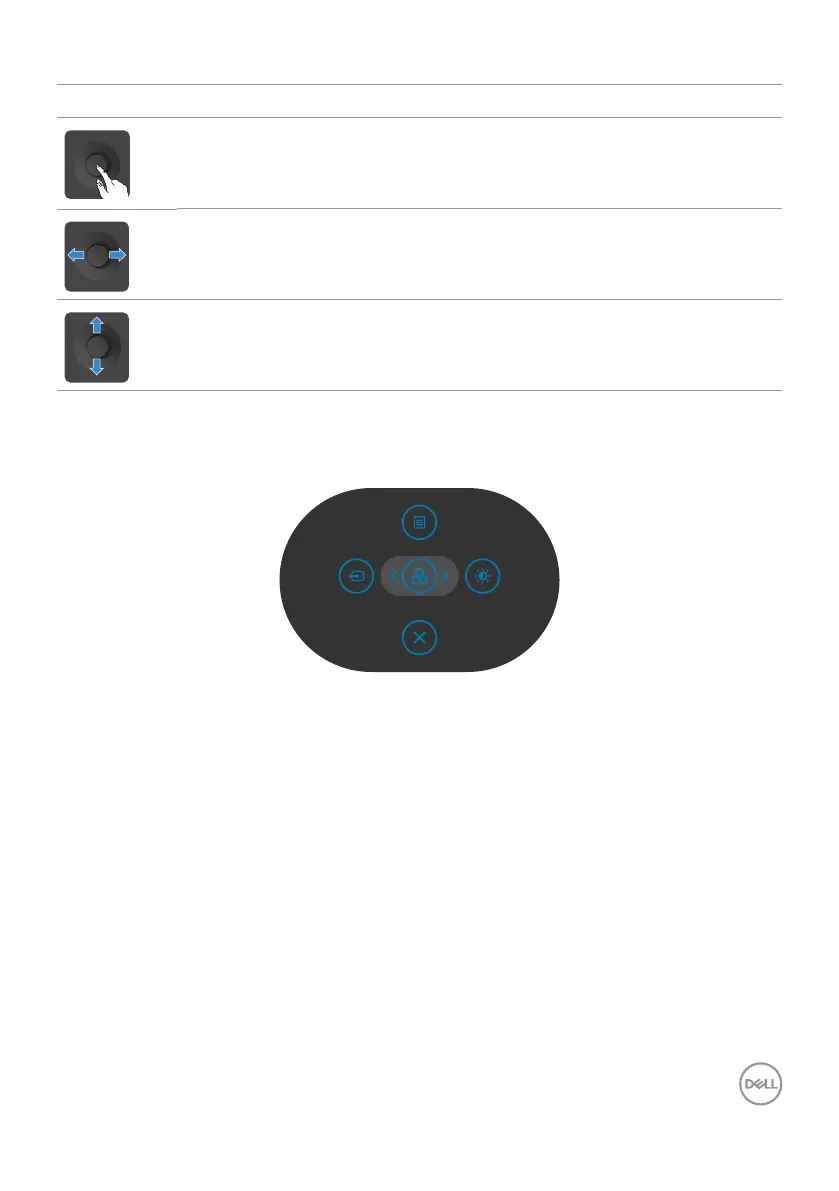
Press Joystick to open the OSD Menu Launcher.
For right and left navigation.
For up and down navigation.
Using the Menu Launcher
Press the Joystick to open the OSD Menu Launcher.
Preset Modes
Menu Launcher
• Toggle the Joystick Up to open the Main Menu.
• Toggle the Joystick Left or Right to select the desired Shortcut Keys.
• Toggle the Joystick Down to Exit.



 To Next Page