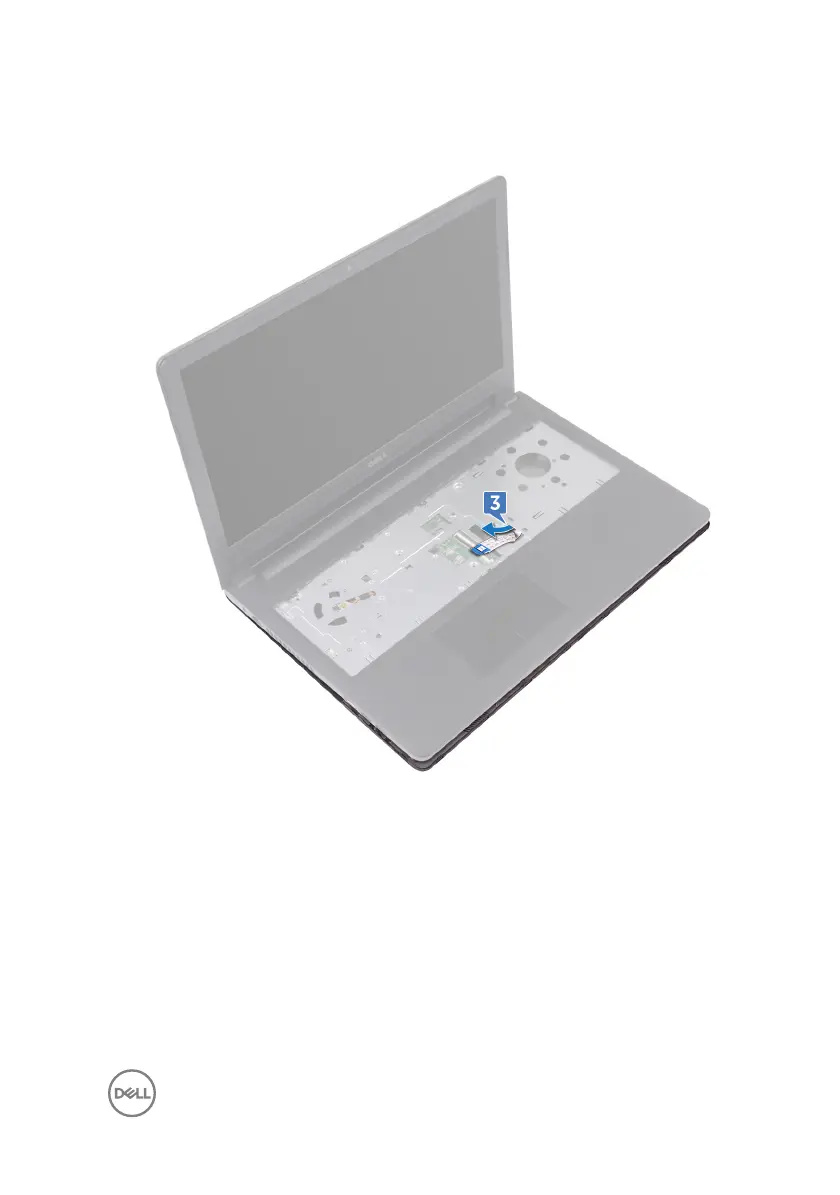
3 Place the base cover on the palm-rest assembly and route the optical-drive cable
through the slot on the palm-rest assembly.
4 Slide the tabs on the base cover into the slots on the palm-rest assembly and
snap the base cover into place.
5 Slide the optical-drive cable into its connector on the system board and close the
latch to secure the cable.
6 Replace the ve screws (M2x5) that secure the palm-rest assembly to the base
cover.
7 Close the display and turn the computer over.
8 Replace the three screws (M2x2) that secure the base cover to the palm-rest
assembly.
33



 To Next Page