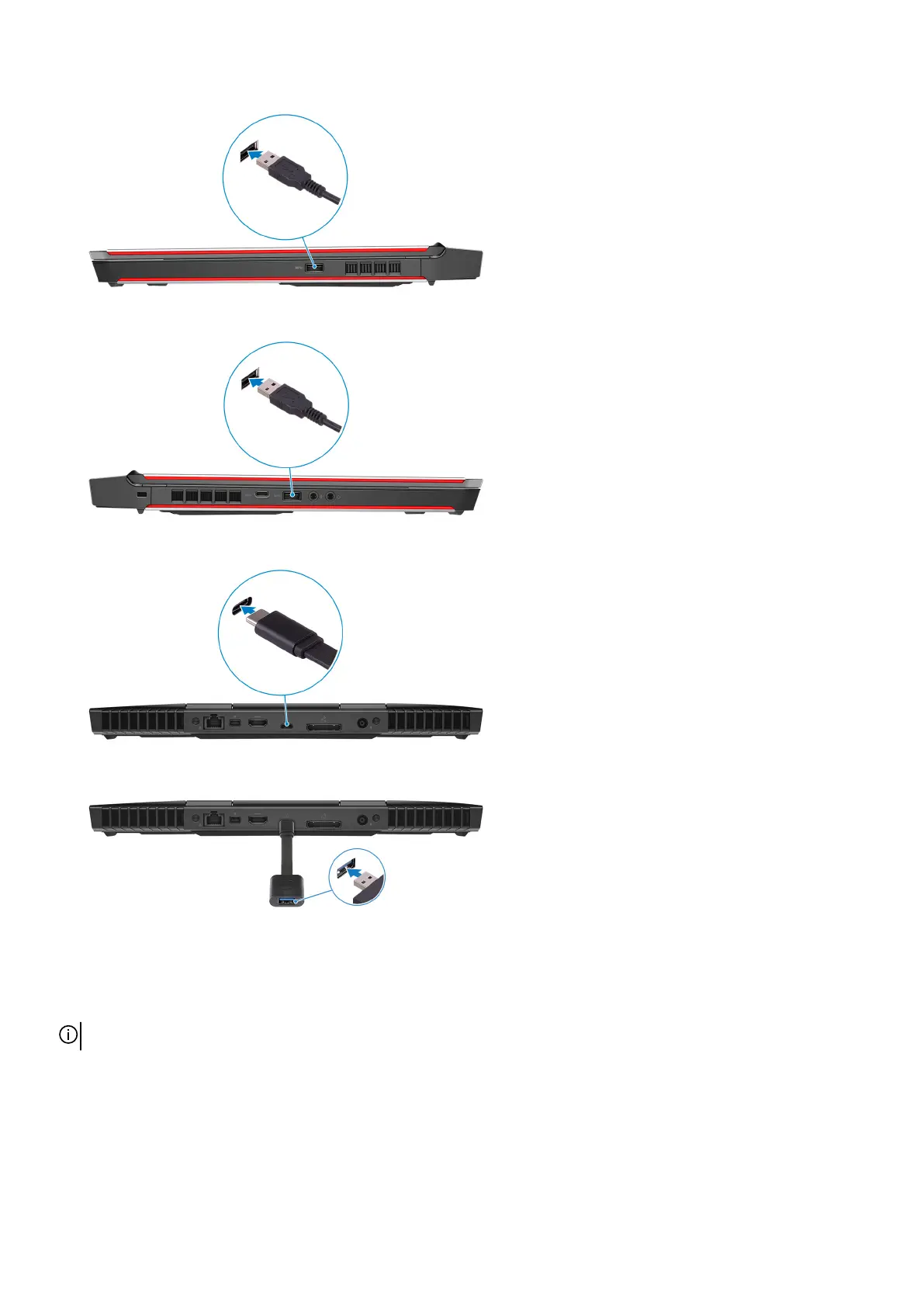
3. Connect the Oculus Rift tracker to the USB Type-A port at the left side of your computer.
4. Connect a USB Type-C to Type-A dongle to the Thunderbolt 3 (USB Type-C) port at the back of your computer.
5. Connect the XBOX controller to the USB Type-A port on the USB dongle.
6. Follow the on-screen instructions to complete the setup.
Oculus Rift with touch
NOTE: The USB dongles are only shipped with computers that are Oculus certified.
1. Connect the HDMI cable of the Oculus Rift headset to the back of your computer.
5



 To Next Page