11. Lift the system board off the palm-rest and keyboard assembly.
Installing the system board (Realtek audio controller)
Prerequisites
If you are replacing a component, remove the existing component before performing the installation process.
About this task
NOTE: This procedure only applies if you're installing a system board with a Realtek ALC3204 audio controller into your
computer.
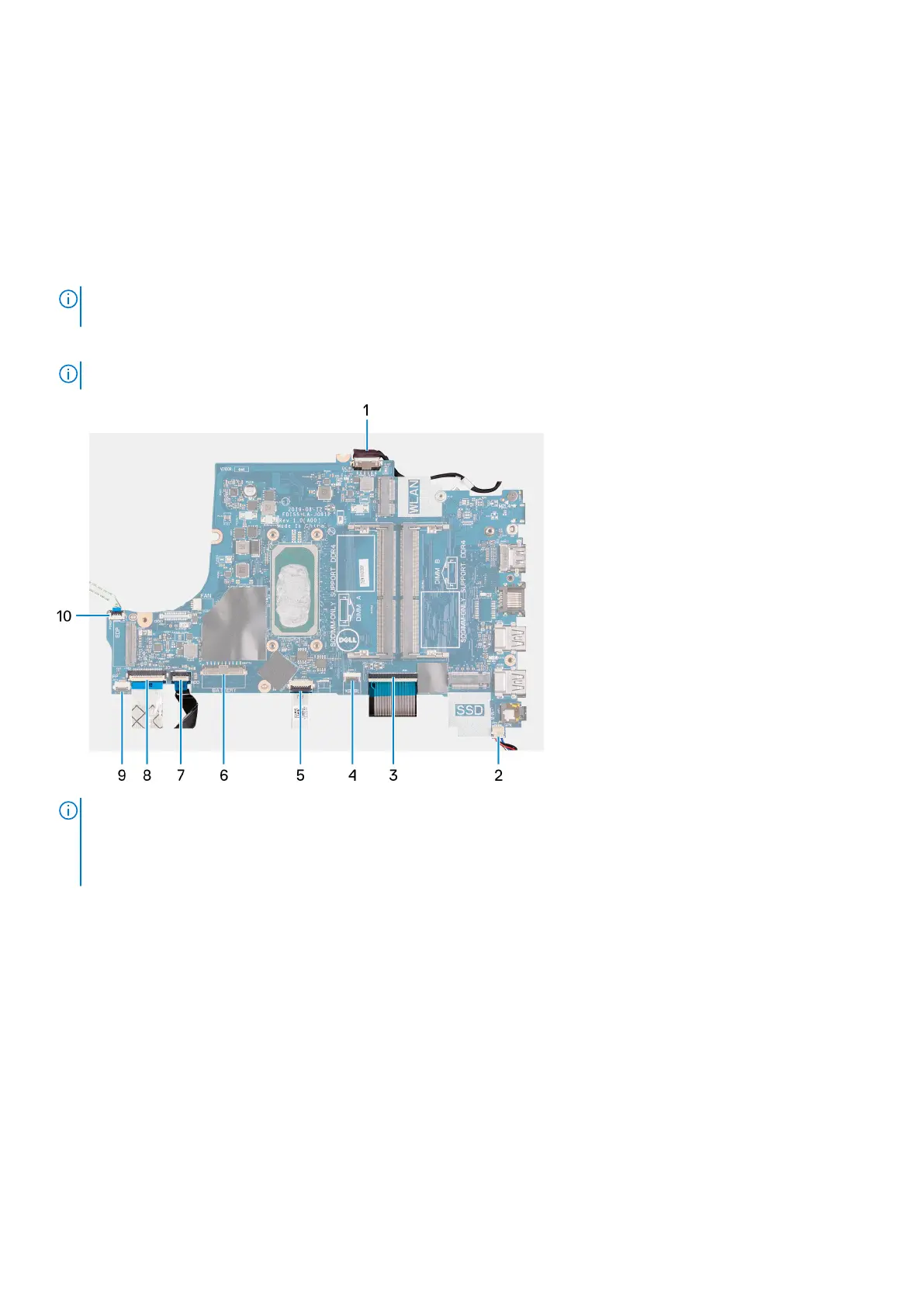
The following images indicate the connectors on the system board.
NOTE: This system board supports the 10
th
Generation Intel Core i3 processor.
NOTE: This system board supports the following processors:
● Intel Celeron
● Intel Pentium Gold
● 11
th
Generation Intel Core i3/i5/i7
62 Removing and installing components



 To Next Page