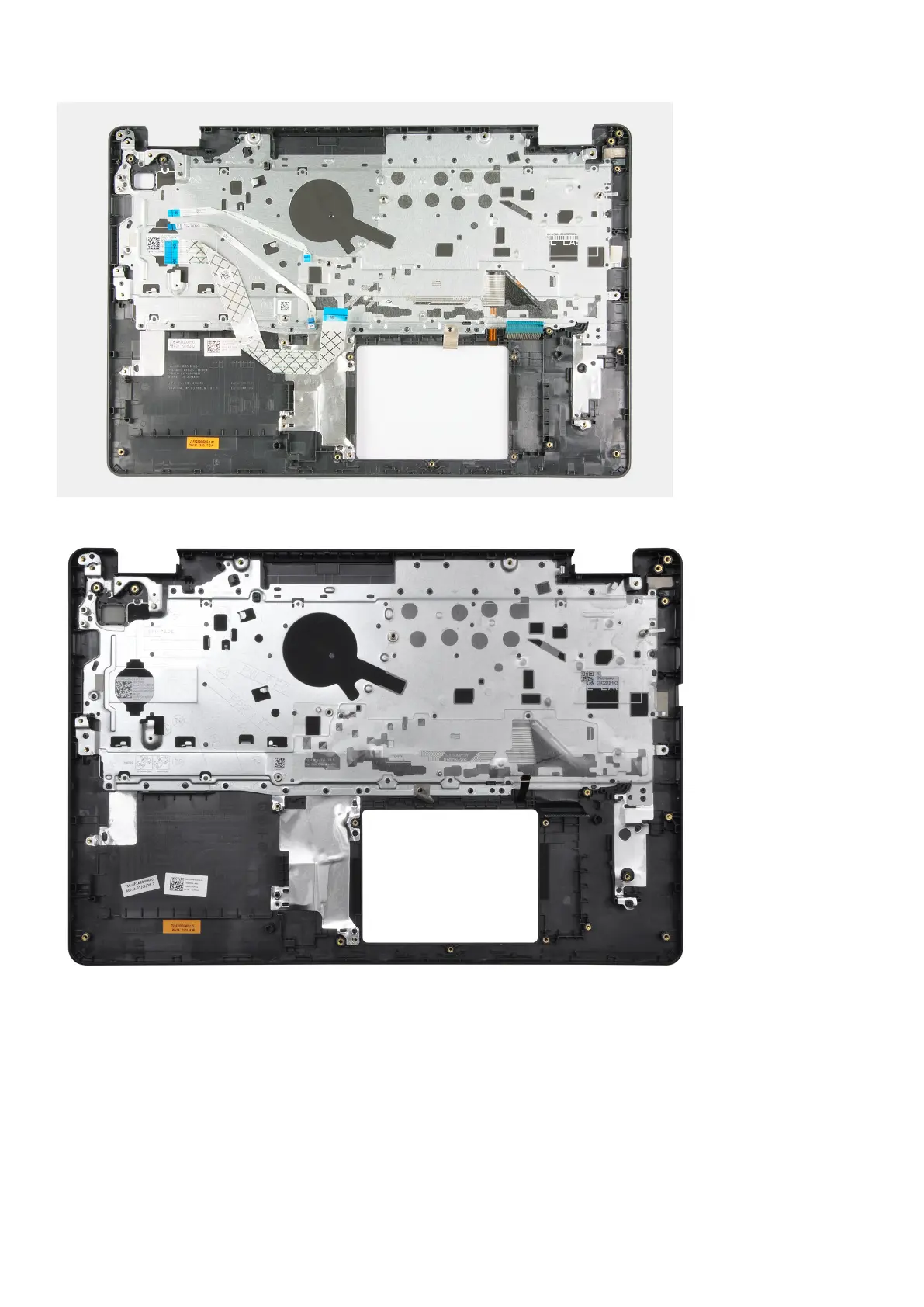
For computers shipped with a Cirrus Logic CS8409 audio controller
Steps
Place the palm-rest and keyboard assembly on a flat and clean surface and perform the post-requisites to install the palm-rest
and keyboard assembly.
Next steps
1. Install the power-adapter port.
2. Install the system board.
3. Install the power-button with optional fingerprint reader.
4. Install the I/O board.
80
Removing and installing components



 To Next Page