75 PowerEdge FX2 – FN I/O Module – VLT Deployment Guide | Version 2.2
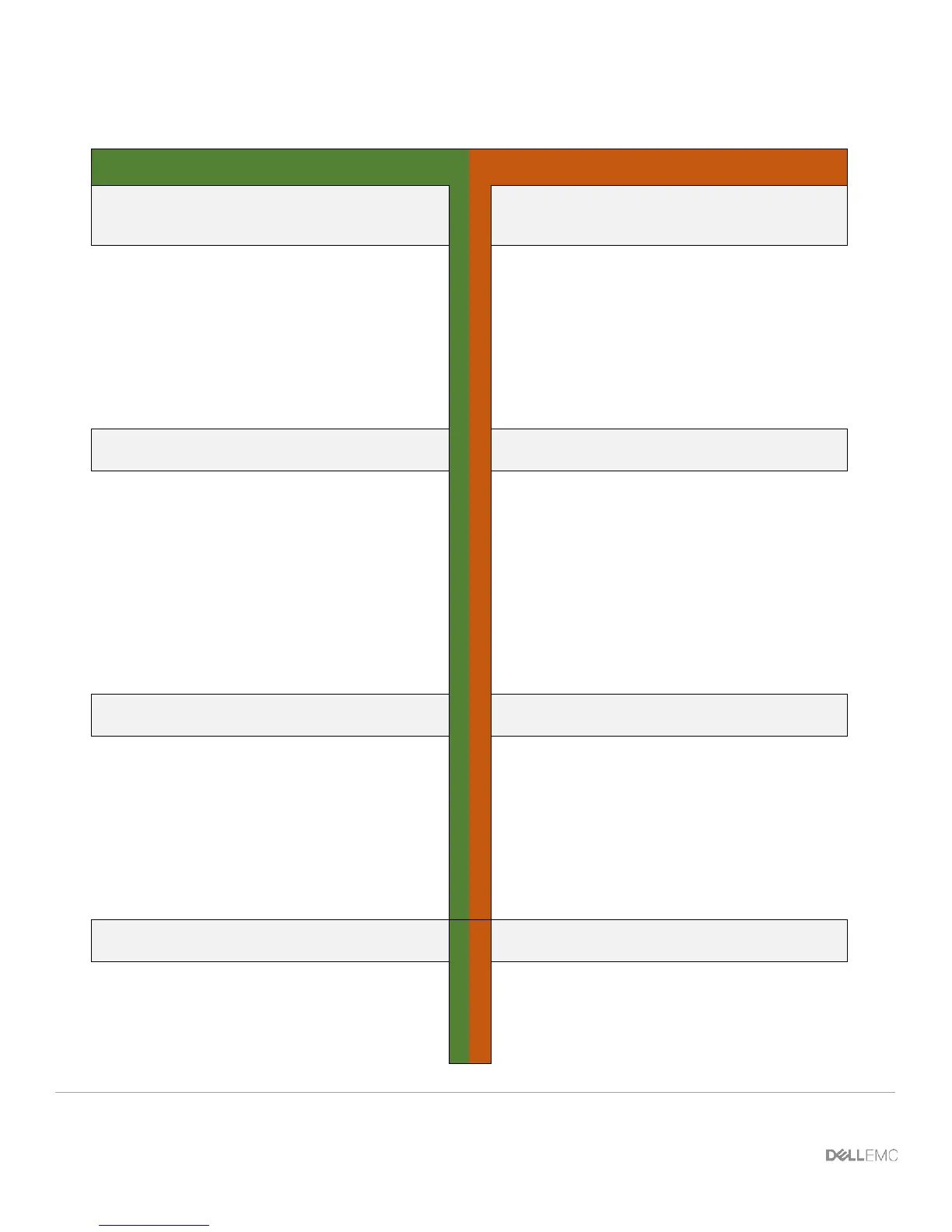
Figure 50 shows the necessary steps to configure the VLT peer LAGs.
Configure the downstream VLT LAG
to the Server
Configure the downstream VLT LAG
to the Server
interface Port-channel 1
description "VLT LAG to
FC430 Server"
portmode hybrid
switchport
vlt-peer-lag port-channel
1
no shutdown
exit
interface Port-channel 1
description "VLT LAG to
FC430 Server"
portmode hybrid
switchport
vlt-peer-lag port-channel
1
no shutdown
exit
Configure the downstream interface
that will participate in the VLT LAG
Configure the downstream interface
that will participate in the VLT LAG
interface
TenGigabitEthernet 0/1
description "Link to FC430
Server"
no switchport
port-channel-protocol LACP
port-channel 1 mode
active
exit
no shutdown
exit
interface
TenGigabitEthernet 0/1
description "Link to FC430
Server"
no switchport
port-channel-protocol LACP
port-channel 1 mode
active
exit
no shutdown
exit
Configure the upstream VLT peer
LAG to the Nexus 5672
Configure the upstream VLT peer
LAG to the Nexus 5672
interface Port-channel 128
description "VLT LAG to
5672"
portmode hybrid
switchport
vlt-peer-lag port-channel
128
no shutdown
exit
interface Port-channel 128
description "VLT LAG to
5672"
portmode hybrid
switchport
vlt-peer-lag port-channel
128
no shutdown
exit
Configure the upstream interfaces
that will participate in the VLT LAG
Configure the upstream interfaces
that will participate in the VLT LAG
interface range
TenGigabitEthernet 0/11-12
description "Link to 5672"
no switchport
port-channel-protocol LACP
interface range
TenGigabitEthernet 0/11-12
description "Link to 5672"
no switchport
port-channel-protocol LACP












 To Next Page