Dell
Dell PowerEdge R310 Technical Guide 16
• Power on indicator, power button
• NMI button (Non-maskable interrupt): A device sends an NMI to signal the processor about hardware
errors; it is used to troubleshoot software and device driver errors when using certain operating
system
• (2) USB connectors: Connects USB devices to the system. The ports are USB2.0 compliant
• Video connector
• LED menu buttons: Allows you to navigate the control panel LED menu
• Optional LCD panel: Provides system ID, status information, and system error messages
• System identification button
• Optical drive (optional)
• Hard drives
4.4 Front View Cabled and Hot-Swap HDD Configurations
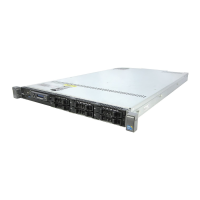
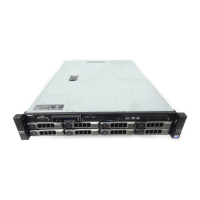
Figure 2. Front View Cabled HDD Configuration—With LED
Quad Pack LED diagnostics
Power
Button
Front video
USB ports
ID button
Optical Disk
Asset tag
HDD0 HDD1 HDD2
LCD Diagnostics
Front video
Optical Disk
Drive







 To Next Page
