Dell
Dell PowerEdge R310 Technical Guide 17
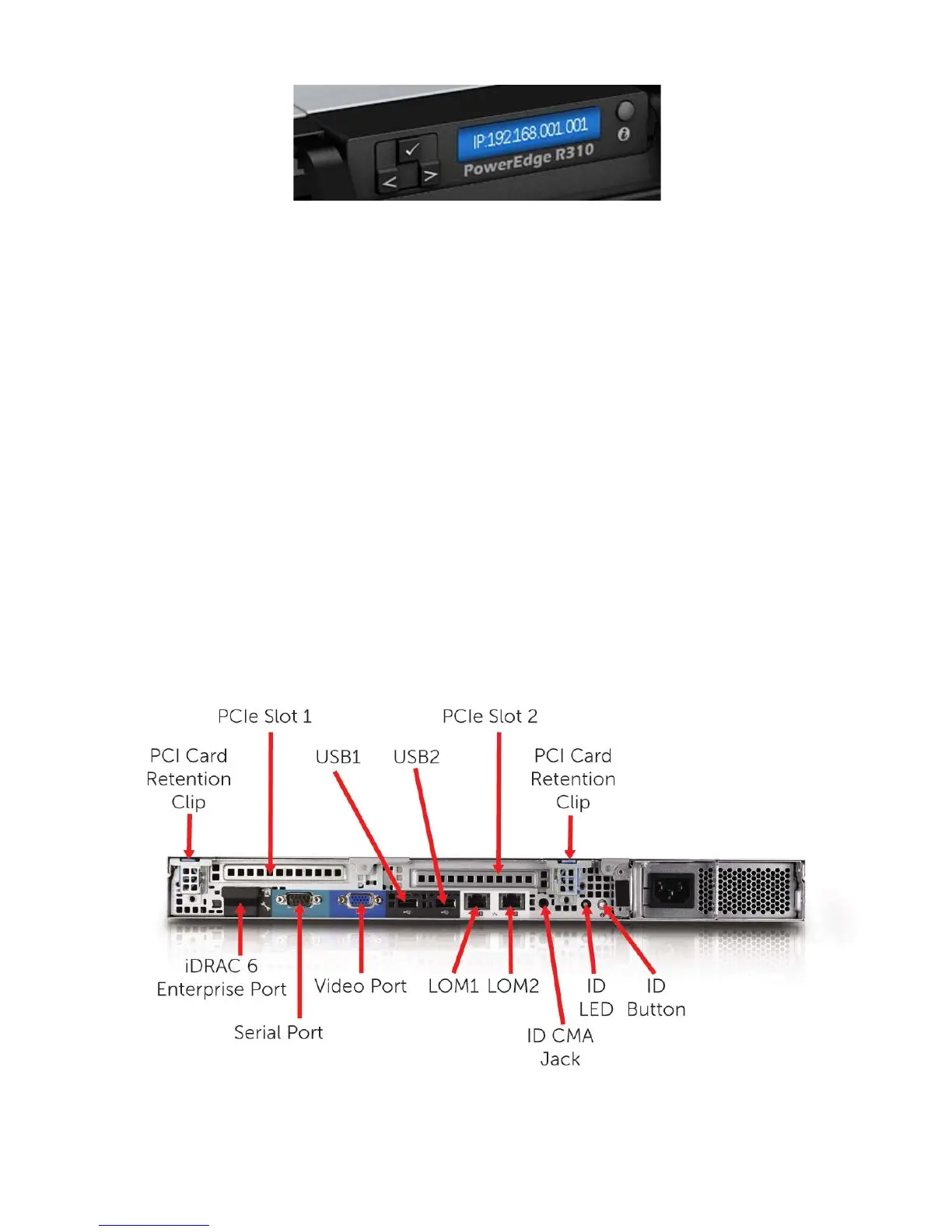
Figure 3. Front View Hot-swap HDD Configuration with LCD Panel
4.5 Back Panel View and Features
The following components are located on the rear panel of the R610 enclosure:
• (1) 15-pin VGA connector
• (1) 9-pin serial port connector
• (2) Integrated 10/100/1000 Ethernet RJ-45 connectors
• (1) Rear system ID button
• (1) Active ID Cable Management Arm external LED jack
• (2) USB ports
• (1) (Optional) iDRAC6 Enterprise RJ-45 port
• (1) (Optional) iDRAC6 Express vFlash media slot
• (2) PCIe slots
Figure 4. Back Panel View













 To Next Page