12
Setting Up Your Studio Laptop
Enable or Disable Wireless (Optional)
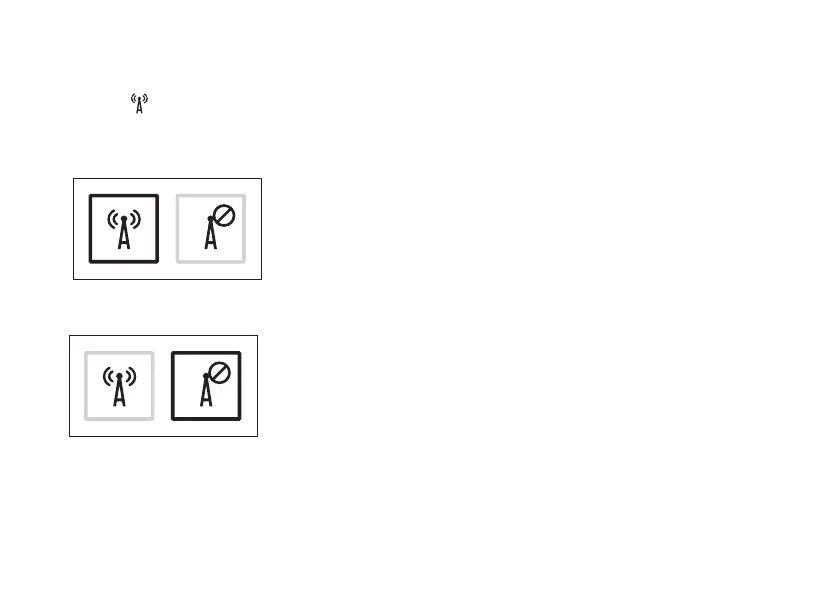
Press the key or press the <Fn><F2> keys on the keyboard to enable or disable wireless. The
wireless on or off icons appear on the screen to indicate the status.
Wireless on:
Wireless off:
For information on changing the behavior of the Fn key, see “Media Controls” on page XX.



 To Next Page