38
Using Your Studio Laptop
Dell Dock
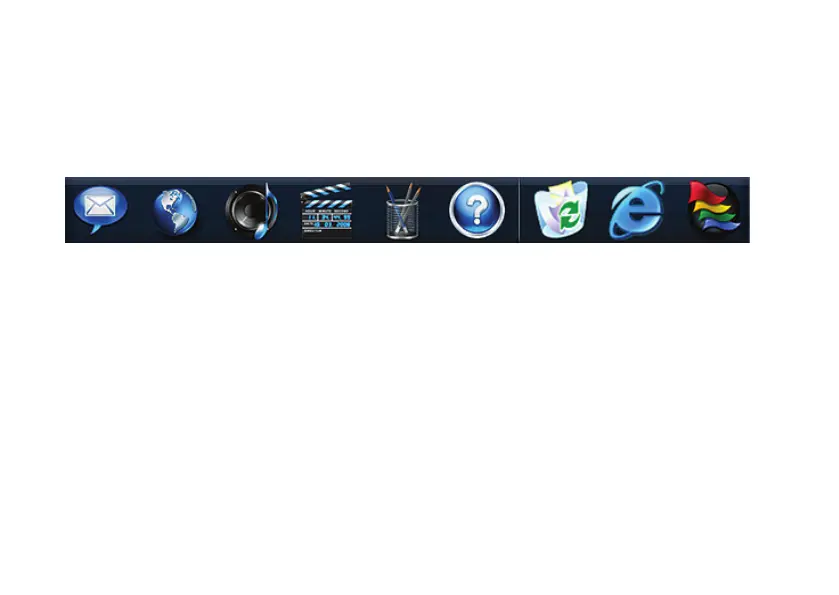
The Dell Dock is a group of icons that provide easy access to frequently used applications, files, and
folders. You can personalize the Dock by adding shortcuts, changing the color, location, and so on.
You can also create categories to group related shortcuts on the Dock.
Add a Category
Right-click the Dock, click 1. Add→ Category.
In the 2. Add/Edit Category window, enter a
title for the category in the Title field.
Select an appropriate image for the 3.
category from the Select an image: box.
Click 4. Save.
Add a Shortcut
Drag and drop the icon to the Dock or
category.
Remove a Category or Shortcut
Right-click the category or shortcut icon 1.
on the Dock, and click Delete shortcut or
Delete category.
Follow the instructions on the screen. 2.
Personalize the Dock
Right-click on the Dock, and click 1.
Advanced Setting.
Choose the option based on the changes 2.
you want to make.



 To Next Page