22
Using Your Studio Laptop
1
Security cable slot — Attaches a commercially available antitheft device to the computer.
NOTE: Before you buy an antitheft device, ensure that it works with the security cable slot on
your computer.
2
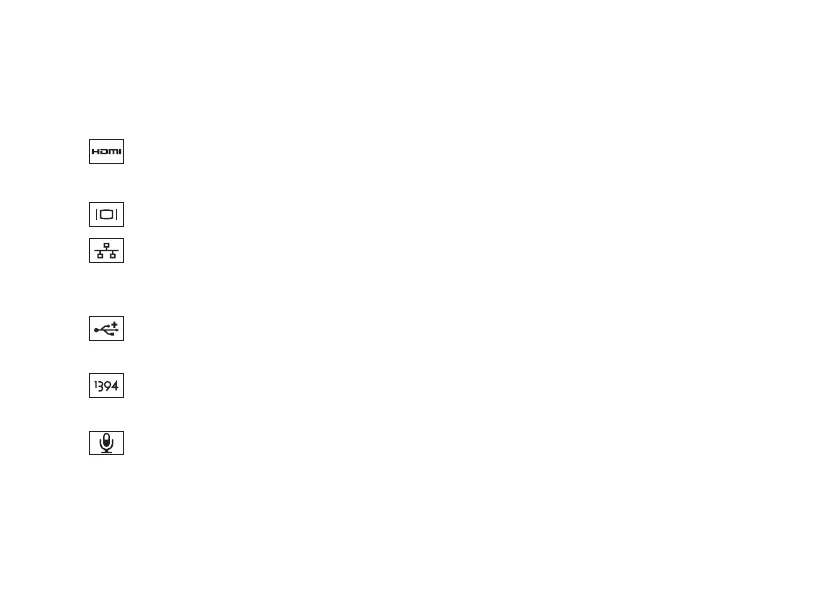
HDMI connector — Connects to a TV for both 5.1 audio and video signals.
NOTE: When used with a monitor, only the video signal is read.
3
VGA connector — Connects to video devices, such as a monitor or a projector.
4
Network connector — Connects your computer to a network or a broadband device if
you are using a wired network. The two lights next to the connector indicate status for wired
network connection.
5
USB 2.0 connectors (2) — Connects to USB devices, such as a mouse, keyboard, printer,
external drive, or MP3 player.
6
IEEE 1394a connector — Connects to high-speed serial multimedia devices, such as
digital video cameras.
7
Audio in/Microphone connector — Connects to a microphone or inputs signal for use
with audio programs.



 To Next Page