27
Using Your Studio Laptop
Scroll
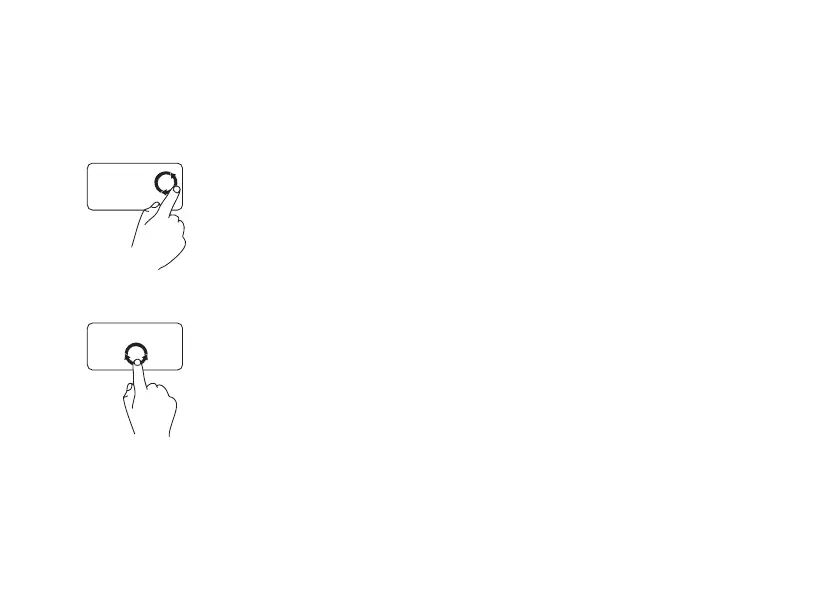
Circular scroll – Allows you to scroll up and
down, or right and left.
To scroll up and down:
Move a finger in the vertical
scroll zone (extreme right of
the touch pad), in a clockwise
circular motion to scroll up
or counterclockwise circular
motion to scroll down.
To scroll right and left:
Move a finger in the horizontal
scroll zone (extreme bottom of
the touch pad), in a clockwise
circular motion to scroll right
or counterclockwise circular
motion to scroll left.



 To Next Page