Solid State Drive—SSD
Installing the solid state drive
1 Follow the procedure in Before working inside your computer.
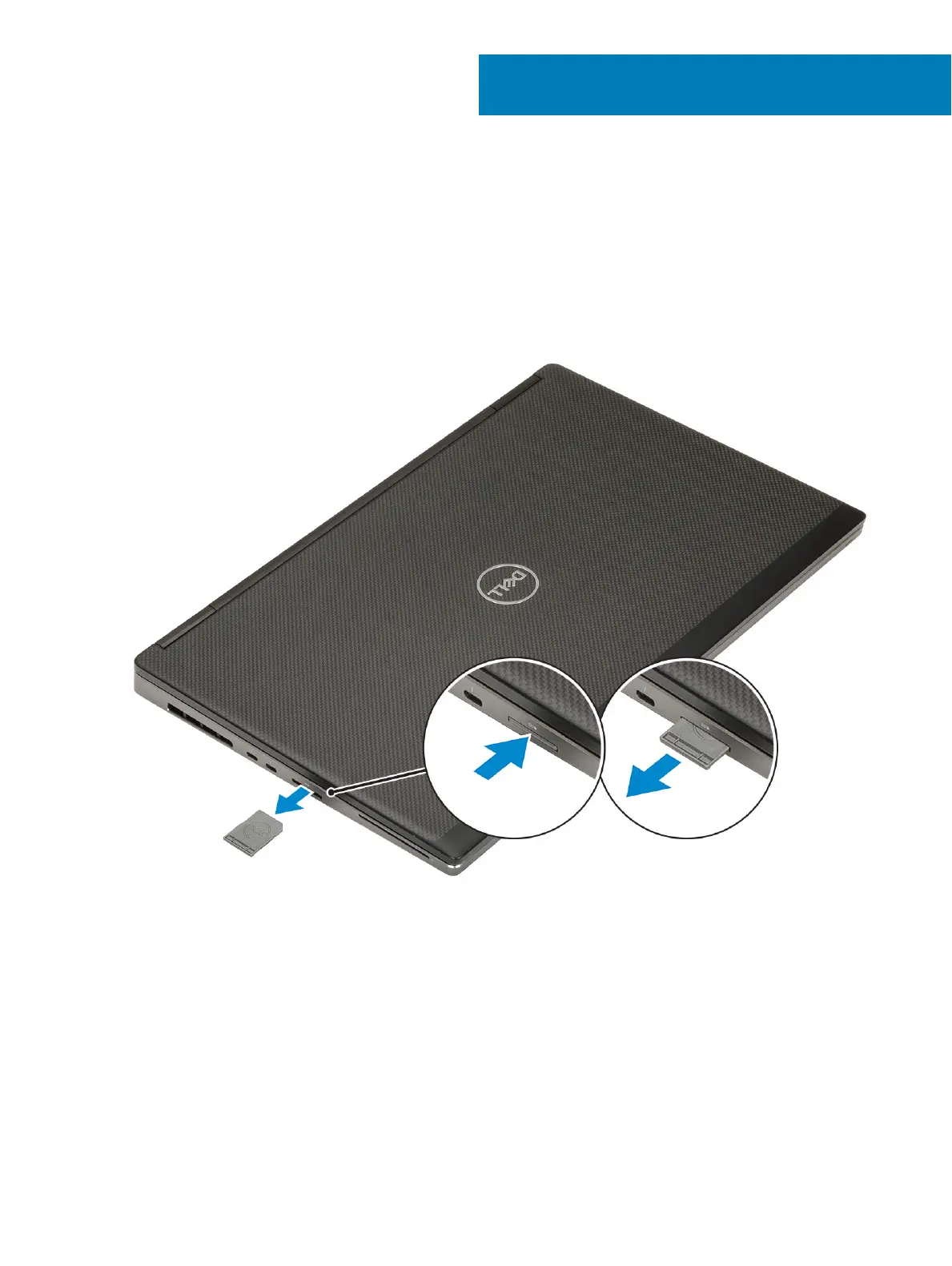
2 Remove the SD card:
a Press the SD card in to release it from the system.
b Remove the SD card out of the system.
3 Remove the battery cover:
a Slide the battery cover release latch towards the unlock icon to release the battery cover [1].
b Slide the battery cover outwards and lift the cover to remove it from the system [2].
2
8 Solid State Drive—SSD















 To Next Page