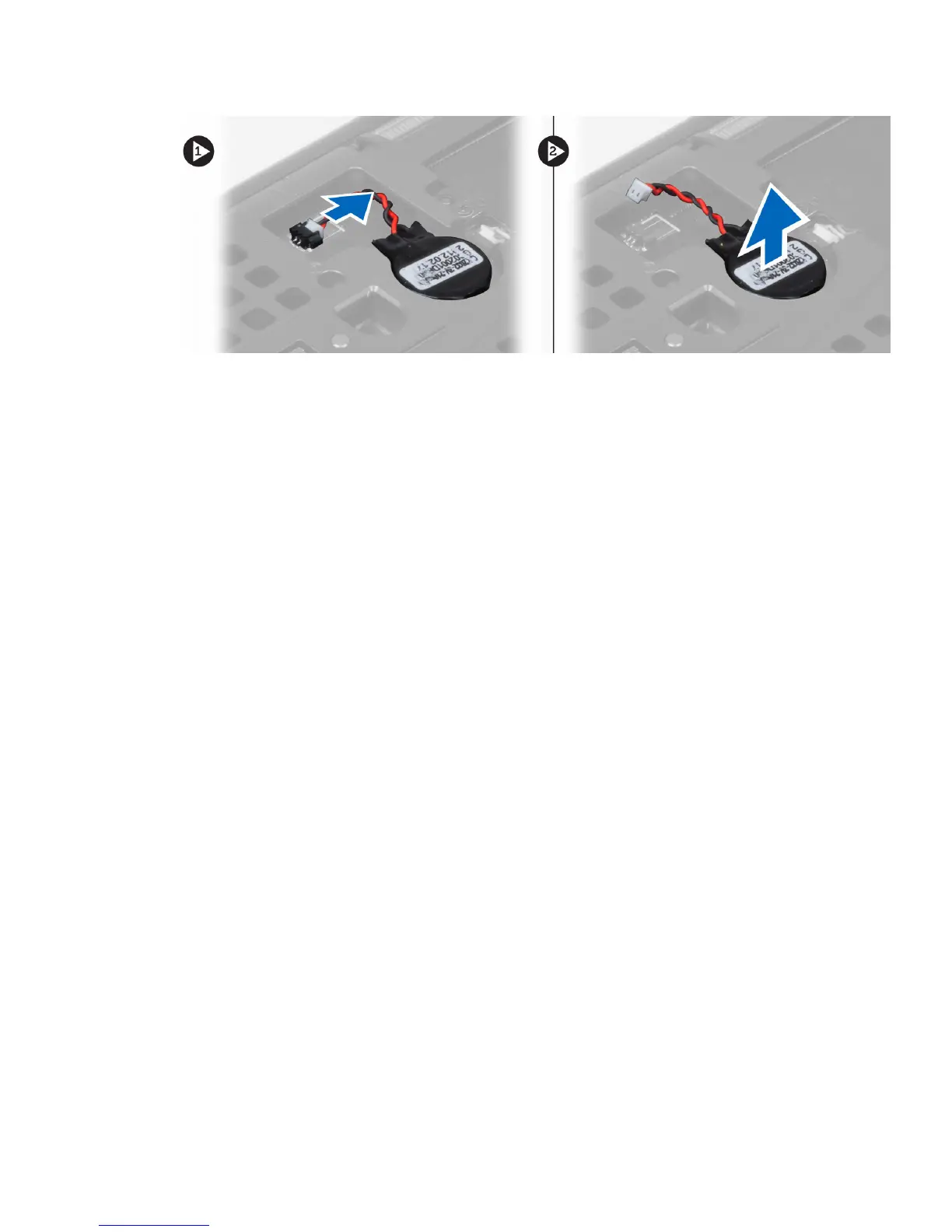
Installing the Coin-Cell Battery
1. Replace the coin-cell battery in its slot in the computer.
2. Connect the coin-cell battery cable.
3. Install the:
a. base cover
b. battery
4. Follow the procedures in After Working Inside Your Computer.
Removing the Palmrest
1. Follow the procedures in Before Working Inside Your Computer.
2. Remove the:
a. battery
b. base cover
c. keyboard trim
d. keyboard
e. optical drive
f. hard drive
3. Disconnect the RFID and fingerprint reader cables. Remove the screws which secure the palmrest to
the computer.
28















 To Next Page