Pairing your wireless mouse │ 14
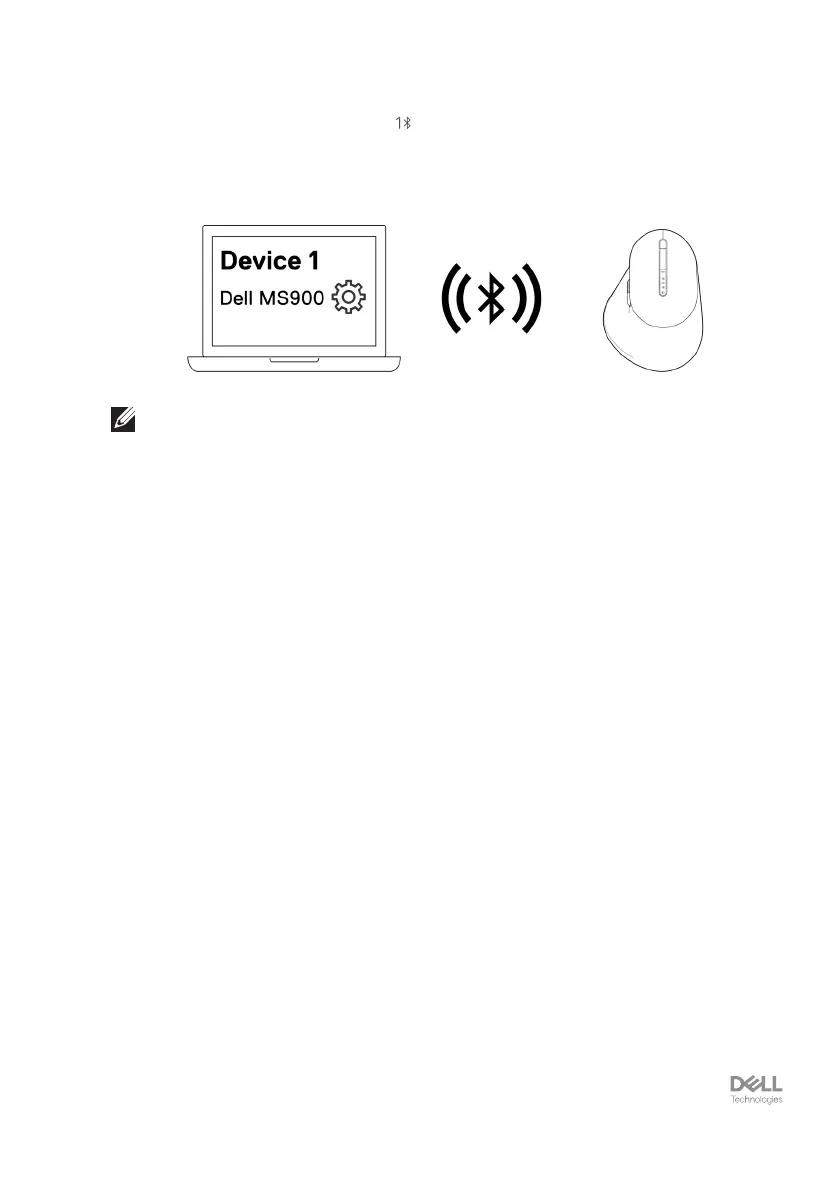
4. Conrm the pairing process on both wireless mouse and your computer.
The first Bluetooth channel LED ( ) turns solid white for a few seconds to
confirm the pairing, and then the light turns off. After your mouse and computer
pairing is completed, the mouse connects to the computer automatically when the
Bluetooth is enabled and both devices are within the Bluetooth range.
NOTE: The above image indicates the first Bluetooth enabled device pairing.



 To Next Page