18 | Operating Your Monitor
OSD controls
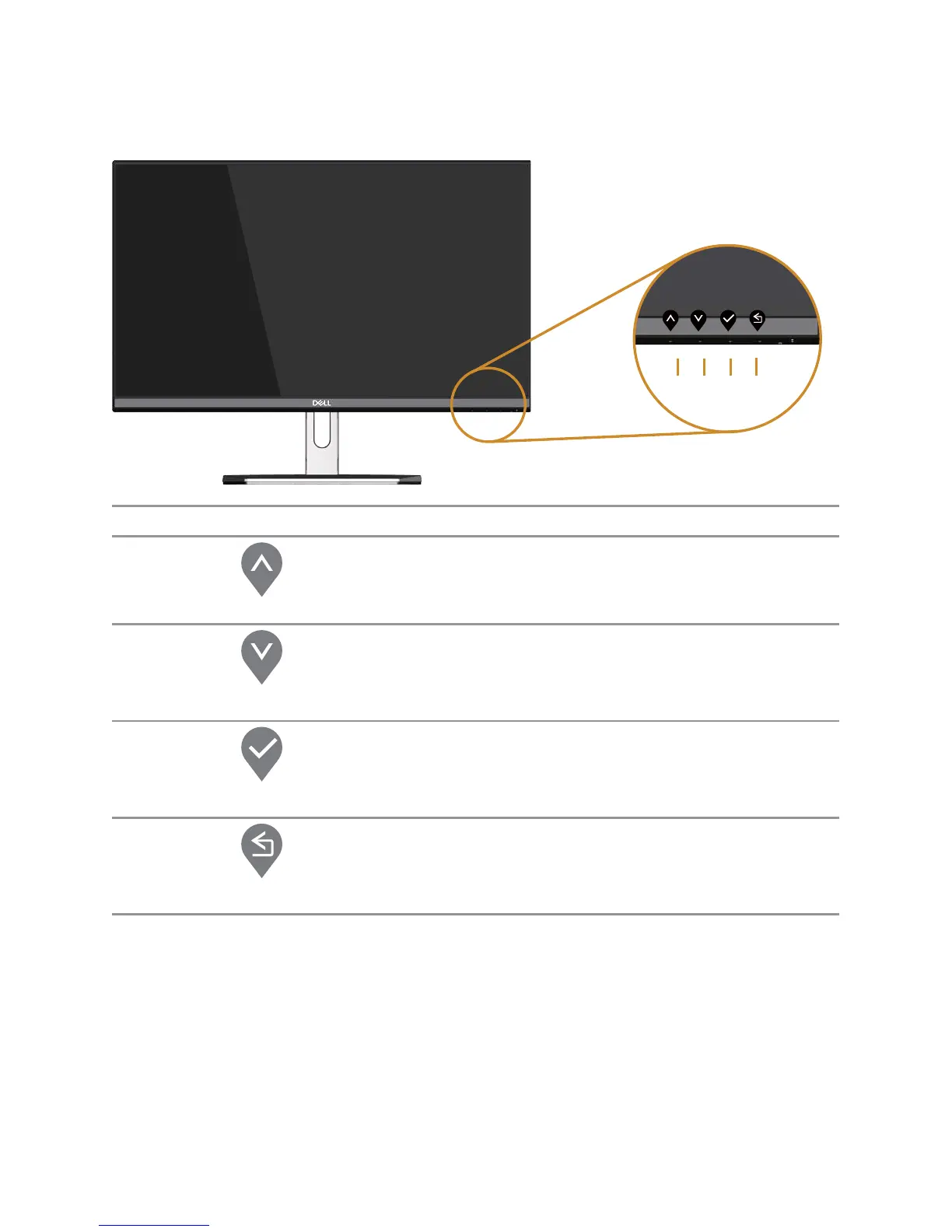
Use the buttons on the front of the monitor to adjust the image settings.
1
2
3
4
Front Panel Button Description
1
Up
Use the Up button to increase values or move up.
2
Down
Use the Down button to adjust (decrease ranges)
items in the OSD menu.
3
OK
Use the OK button to confirm your selection.
4
Back
Use the Back button to go back to the previous menu.



 To Next Page