34 | Setting up the monitor
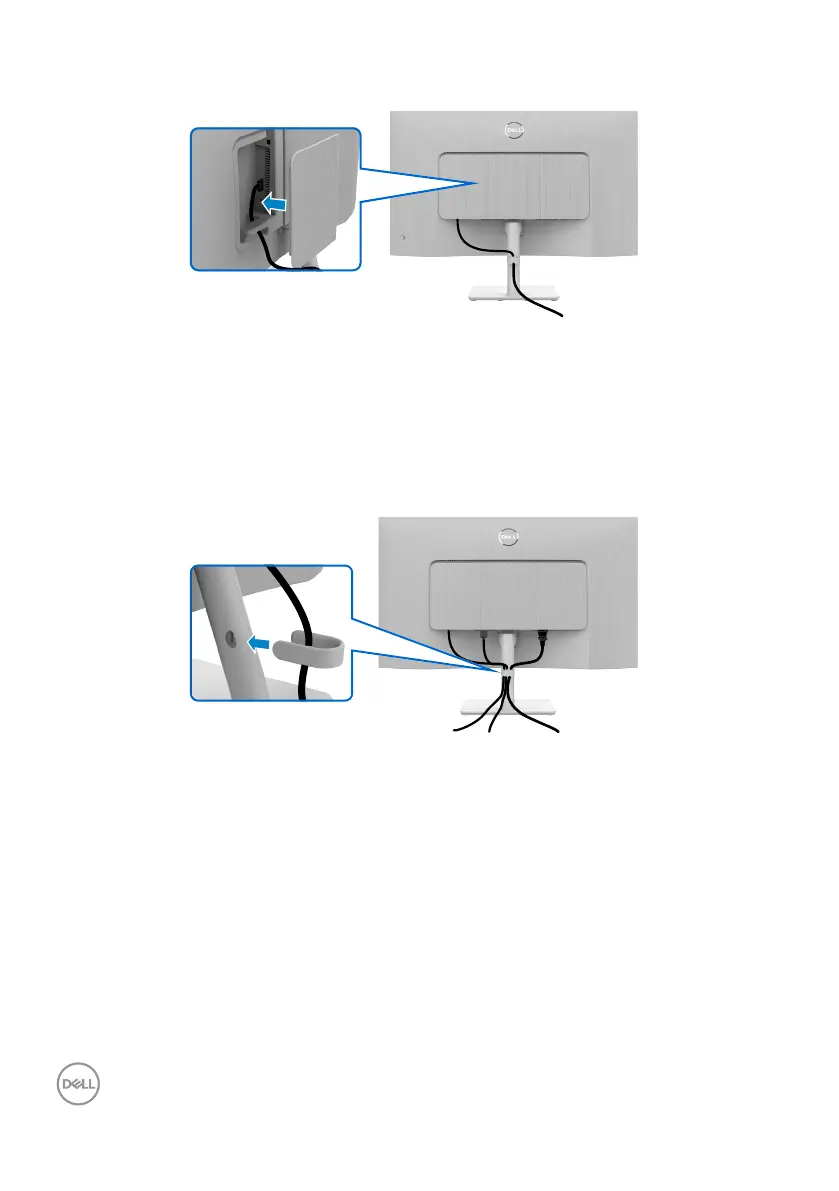
Attaching the side I/O-cover
To attach the side I/O-cover:
• Aligh and place the tabs on the side I/O-cover with the slots on the display back-
cover.
• Press the side I/O-cover to snap it into place.
Organizing your cables
HDMI
After connecting all necessary cables to your monitor and computer, (see Connecting
your monitor for cable attachment) organize all cables as shown in the image.
If your cable is not able to reach your computer, you may connect directly to the com-
puter without routing through the slot on the monitor stand.



 To Next Page