Operating the monitor | 59
• The power warning message appears again only when you do a Factory Reset
from the OSD menu.
If you press any button other than the power button, the following messages appear
depending on the selected input:
No HDMI 1 Signal form your device.
Press any key on the keyboard to wake up.
If there is no display, press the monitor joystick
to select input source.
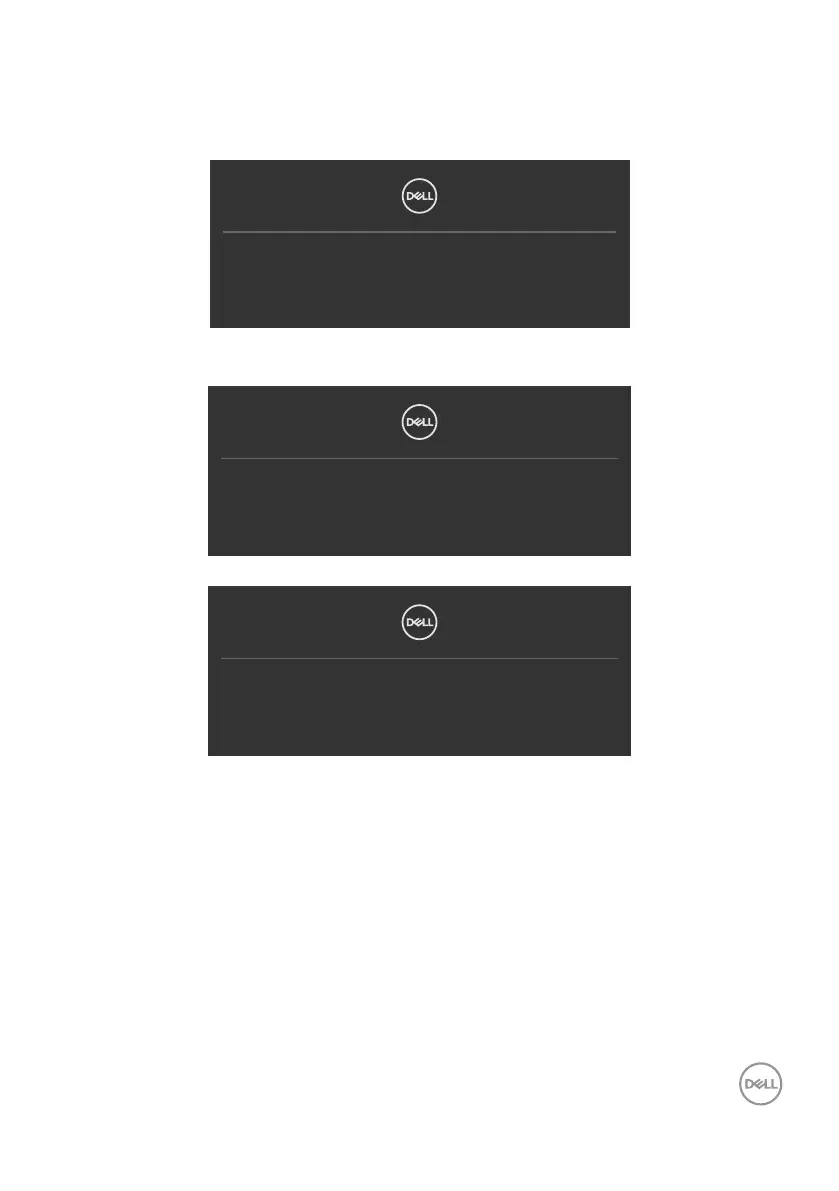
If either HDMI 1 or HDMI 2 input is selected and the corresponding cable is not
connected, a floating dialog box as shown below appears.
No HDMI 1 Cable
The display will go into Standby mode in 4 minutes.
www.dell.com/S2425H
www.dell.com/S2725H
or
No HDMI 2 Cable
The display will go into Standby mode in 4 minutes.
www.dell.com/S2425H
www.dell.com/S2725H
See Troubleshooting for more information.



 To Next Page