Using Your Projector 37
• Original — Select Original to maintain the aspect ratio of image projected
according to input source.
• 4:3 — The input source scales to fit the screen and projects a 4:3 image.
• Wide — The input source scales to fit the width of the screen to project a
wide screen image.
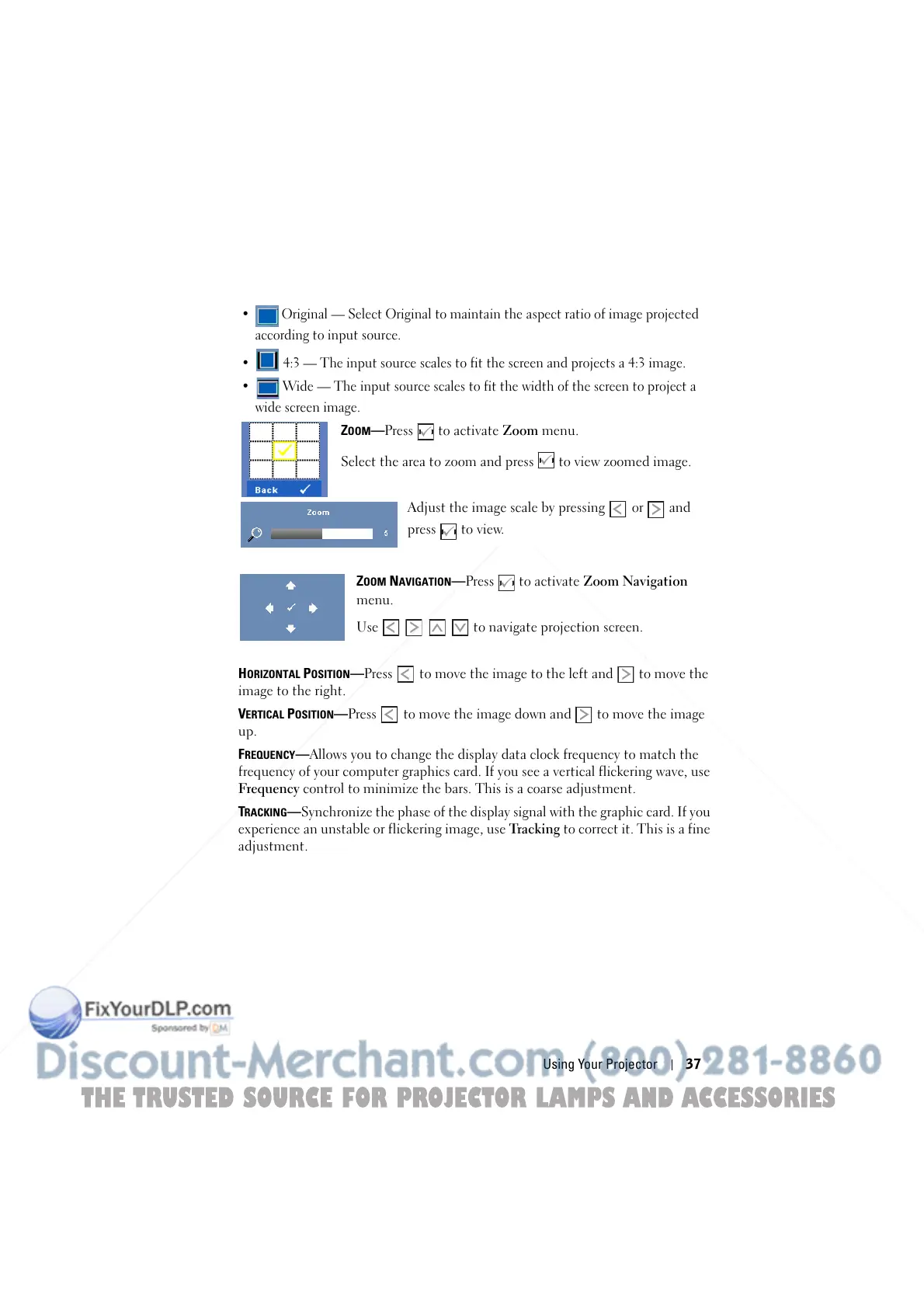
ZOOM—Press to activate Zoom menu.
Select the area to zoom and press to view zoomed image.
Adjust the image scale by pressing or and
press to view.
Z
OOM NAVIGATION—Press to activate Zoom Navigation
menu.
Use to navigate projection screen.
H
ORIZONTAL POSITION—Press to move the image to the left and to move the
image to the right.
V
ERTICAL POSITION—Press to move the image down and to move the image
up.
F
REQUENCY—Allows you to change the display data clock frequency to match the
frequency of your computer graphics card. If you see a vertical flickering wave, use
Frequency control to minimize the bars. This is a coarse adjustment.
T
RACKING—Synchronize the phase of the display signal with the graphic card. If you
experience an unstable or flickering image, use Tracking to correct it. This is a fine
adjustment.
THE TRUSTED SOURCE FOR PROJECTOR LAMPS AND ACCESSORIES



 To Next Page