38 Using Your Projector
DISPLAY (in Video Mode)
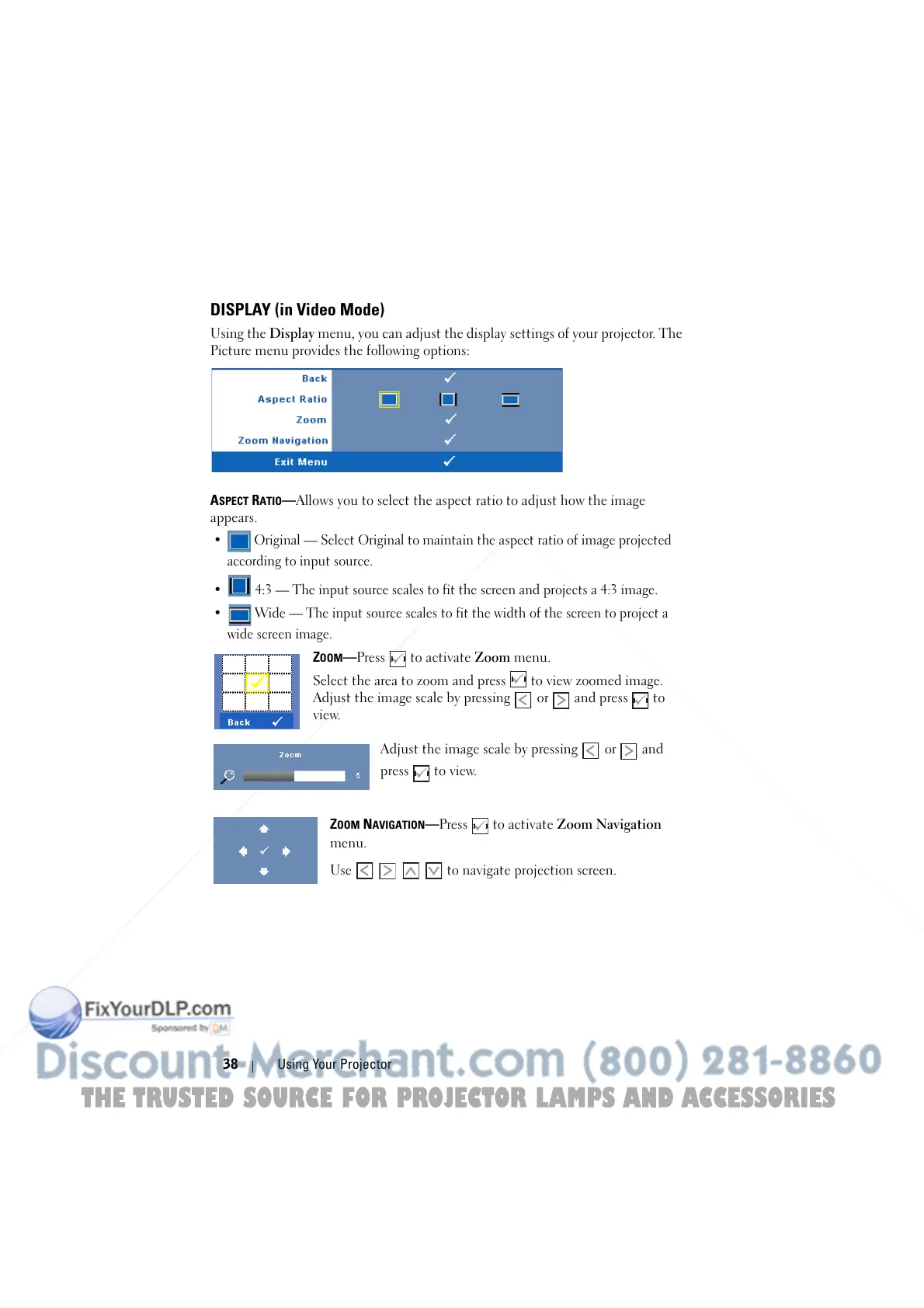
Using the Display menu, you can adjust the display settings of your projector. The
Picture menu provides the following options:
A
SPECT RATIO—Allows you to select the aspect ratio to adjust how the image
appears.
• Original — Select Original to maintain the aspect ratio of image projected
according to input source.
• 4:3 — The input source scales to fit the screen and projects a 4:3 image.
• Wide — The input source scales to fit the width of the screen to project a
wide screen image.
ZOOM—Press to activate Zoom menu.
Select the area to zoom and press to view zoomed image.
Adjust the image scale by pressing or and press to
view.
Adjust the image scale by pressing or and
press to view.
Z
OOM NAVIGATION—Press to activate Zoom Navigation
menu.
Use to navigate projection screen.
THE TRUSTED SOURCE FOR PROJECTOR LAMPS AND ACCESSORIES



 To Next Page