40 Using Your Projector
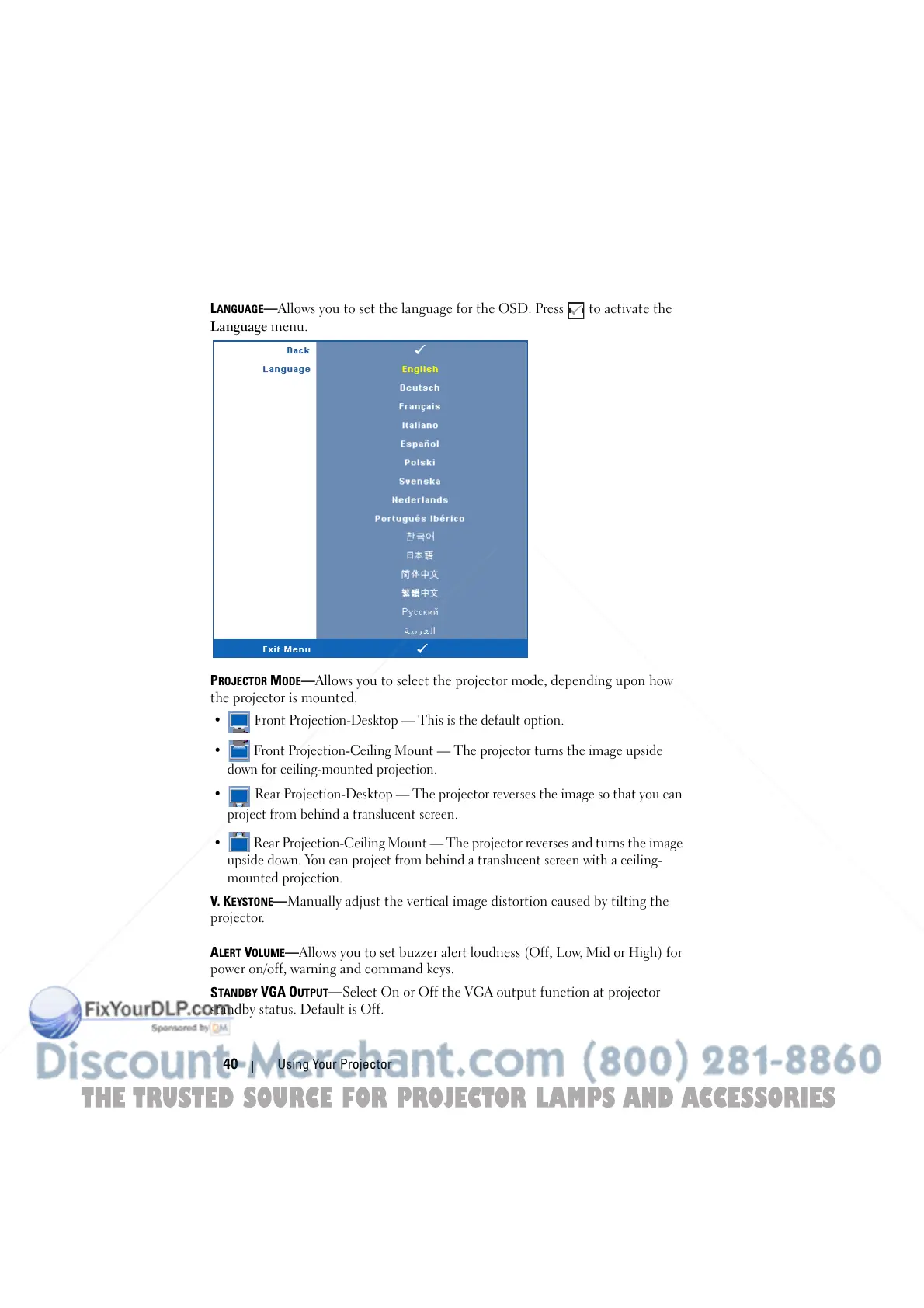
LANGUAGE—Allows you to set the language for the OSD. Press to activate the
Language menu.
P
ROJECTOR MODE—Allows you to select the projector mode, depending upon how
the projector is mounted.
• Front Projection-Desktop — This is the default option.
• Front Projection-Ceiling Mount — The projector turns the image upside
down for ceiling-mounted projection.
• Rear Projection-Desktop — The projector reverses the image so that you can
project from behind a translucent screen.
• Rear Projection-Ceiling Mount — The projector reverses and turns the image
upside down. You can project from behind a translucent screen with a ceiling-
mounted projection.
V. KEYSTONE—Manually adjust the vertical image distortion caused by tilting the
projector.
A
LERT VOLUME—Allows you to set buzzer alert loudness (Off, Low, Mid or High) for
power on/off, warning and command keys.
S
TANDBY VGA OUTPUT—Select On or Off the VGA output function at projector
standby status. Default is Off.
THE TRUSTED SOURCE FOR PROJECTOR LAMPS AND ACCESSORIES



 To Next Page