Using Your Projector 43
OTHERS
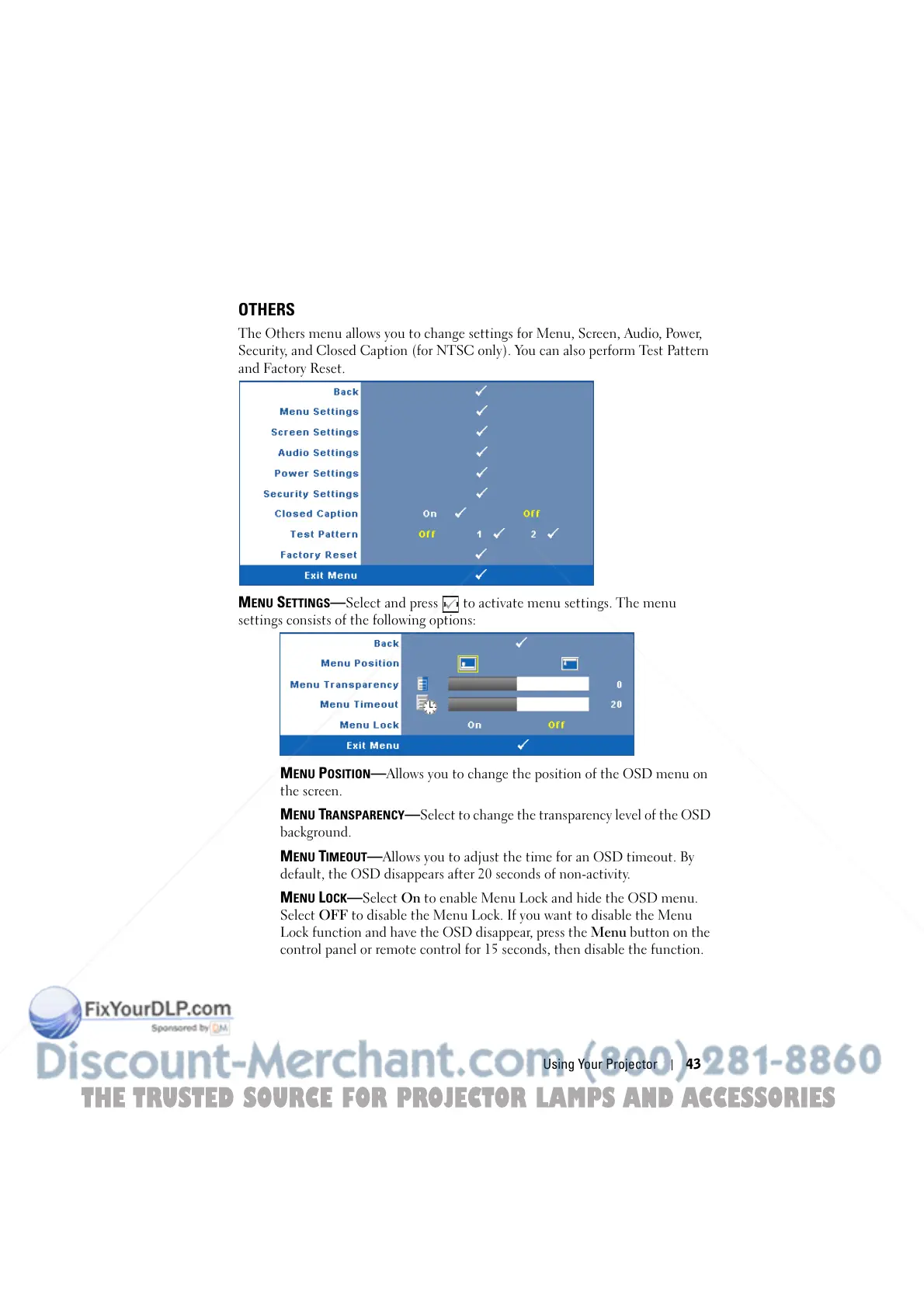
The Others menu allows you to change settings for Menu, Screen, Audio, Power,
Security, and Closed Caption (for NTSC only). You can also perform Test Pattern
and Factory Reset.
MENU SETTINGS—Select and press to activate menu settings. The menu
settings consists of the following options:
MENU POSITION—Allows you to change the position of the OSD menu on
the screen.
MENU TRANSPARENCY—Select to change the transparency level of the OSD
background.
MENU TIMEOUT—Allows you to adjust the time for an OSD timeout. By
default, the OSD disappears after 20 seconds of non-activity.
MENU LOCK—Select On to enable Menu Lock and hide the OSD menu.
Select OFF to disable the Menu Lock. If you want to disable the Menu
Lock function and have the OSD disappear, press the Menu button on the
control panel or remote control for 15 seconds, then disable the function.
THE TRUSTED SOURCE FOR PROJECTOR LAMPS AND ACCESSORIES



 To Next Page