56 Using Your Projector
Password Setting
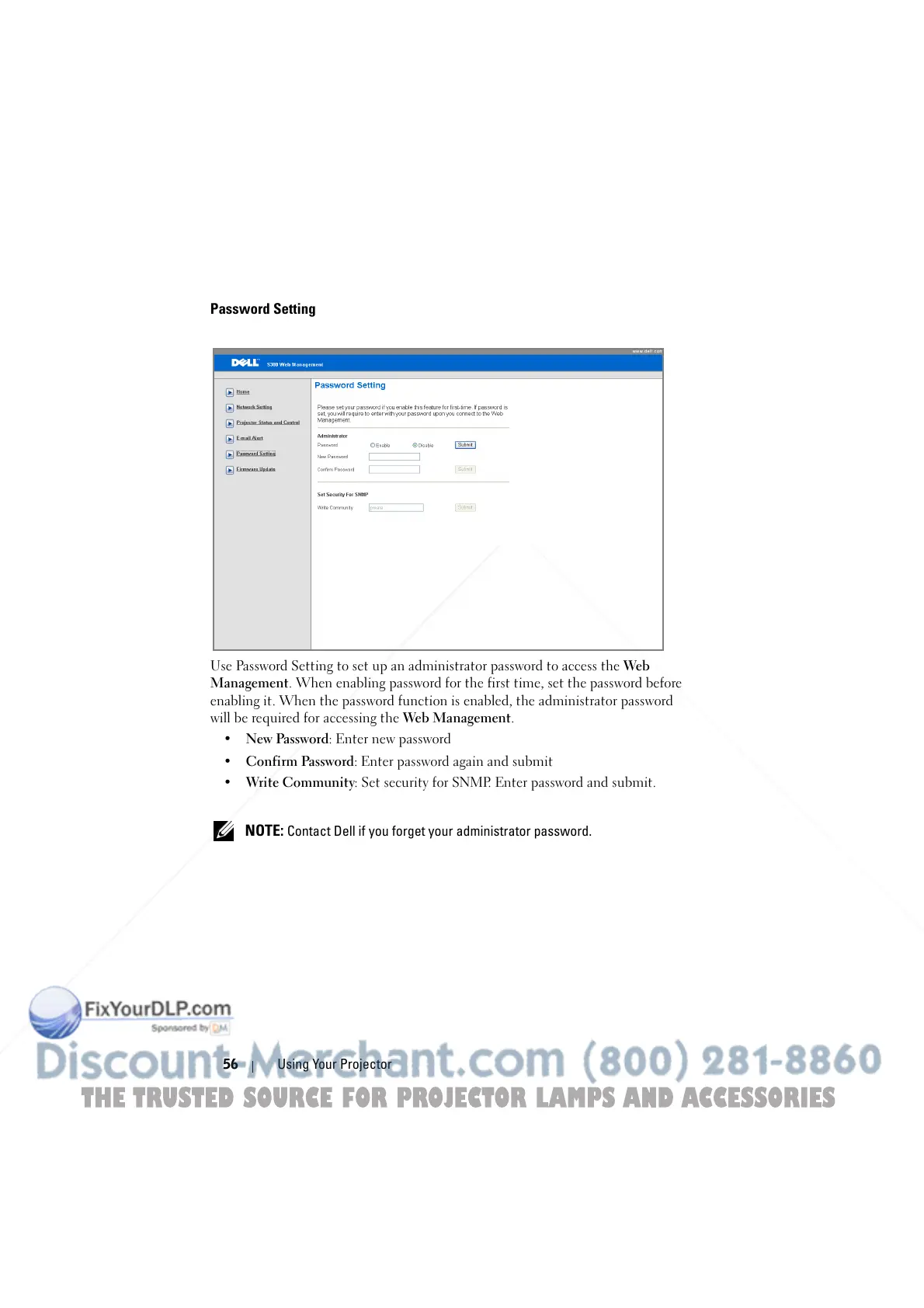
Use Password Setting to set up an administrator password to access the Web
Management. When enabling password for the first time, set the password before
enabling it. When the password function is enabled, the administrator password
will be required for accessing the Web Management.
• New Password: Enter new password
• Confirm Password: Enter password again and submit
• Write Community: Set security for SNMP. Enter password and submit.
NOTE: Contact Dell if you forget your administrator password.
THE TRUSTED SOURCE FOR PROJECTOR LAMPS AND ACCESSORIES



 To Next Page