Connecting Your Projector 13
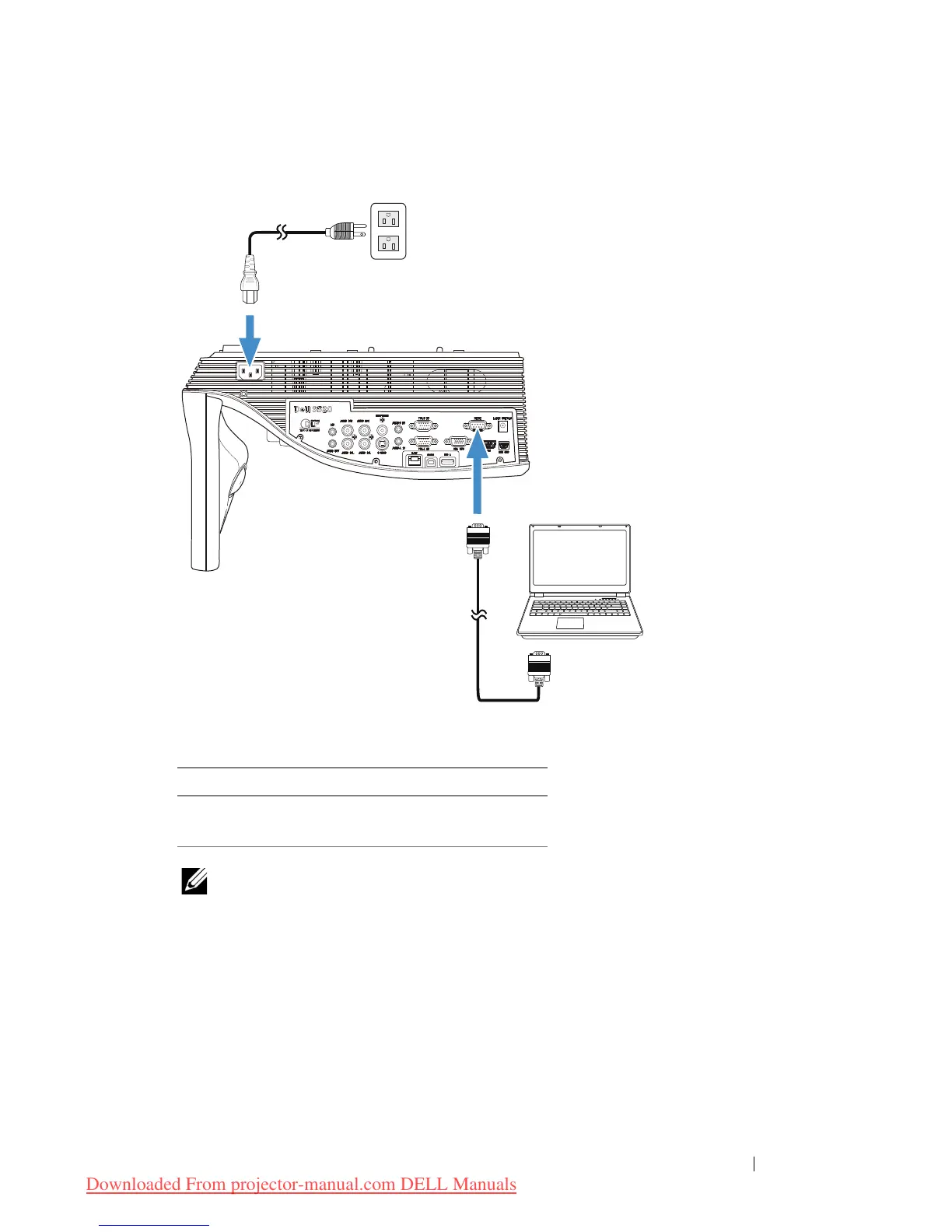
Connecting a Computer Using a RS232 cable
NOTE: The RS232 (9-pin D-sub female to female pin2-3 swap) cable
is not shipped with your projector. Consult a professional installer for
the cable and RS232 remote control software.
1 Power cord
2 RS232 (9-pin D-sub female to female
pin2-3 swap) cable



 To Next Page