26 Using Your Projector
NOTE: Before you turn on the projector again, wait for 60 seconds
to allow the internal temperature to stabilize.
4
Disconnect the power cord from the electrical outlet and the projector.
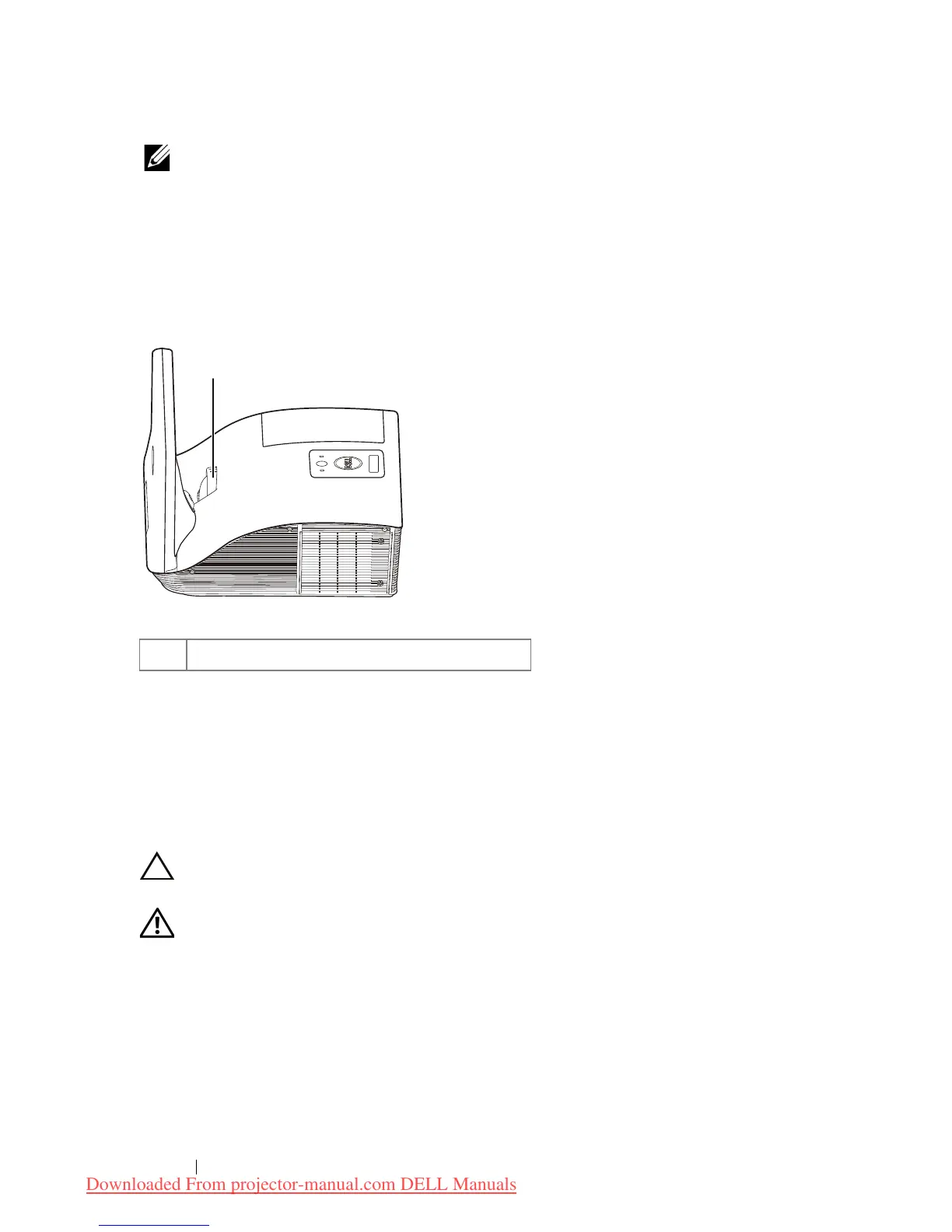
Adjusting the Projector Focus
1
Rotate the focus ring until the image is clear. The projector focuses at
distances ranging between 1.96 ft to 2.4 ft (0.597 m to 0.731 m).
Cleaning the Projector's Mirror
1
Turn off the projector power and disconnect the power cord.
2
Let the projector cool for at least 30 minutes.
3
Use air blower bulb to blow off dust on the mirror or gently wipe the mirror
by using a microfiber cleaning cloth. Do not scrub the surface of the
mirror. It may scratch the mirror.
CAUTION: Do not spray cleaners or solvents directly on the
projector.
WARNING: Cleaning a wall-mounted projector can result in a fall
or injury. You can remove the projector from the wall-mounting
bracket to clean the projector's mirror.
1Focus ring



 To Next Page