16 Connecting Your Projector
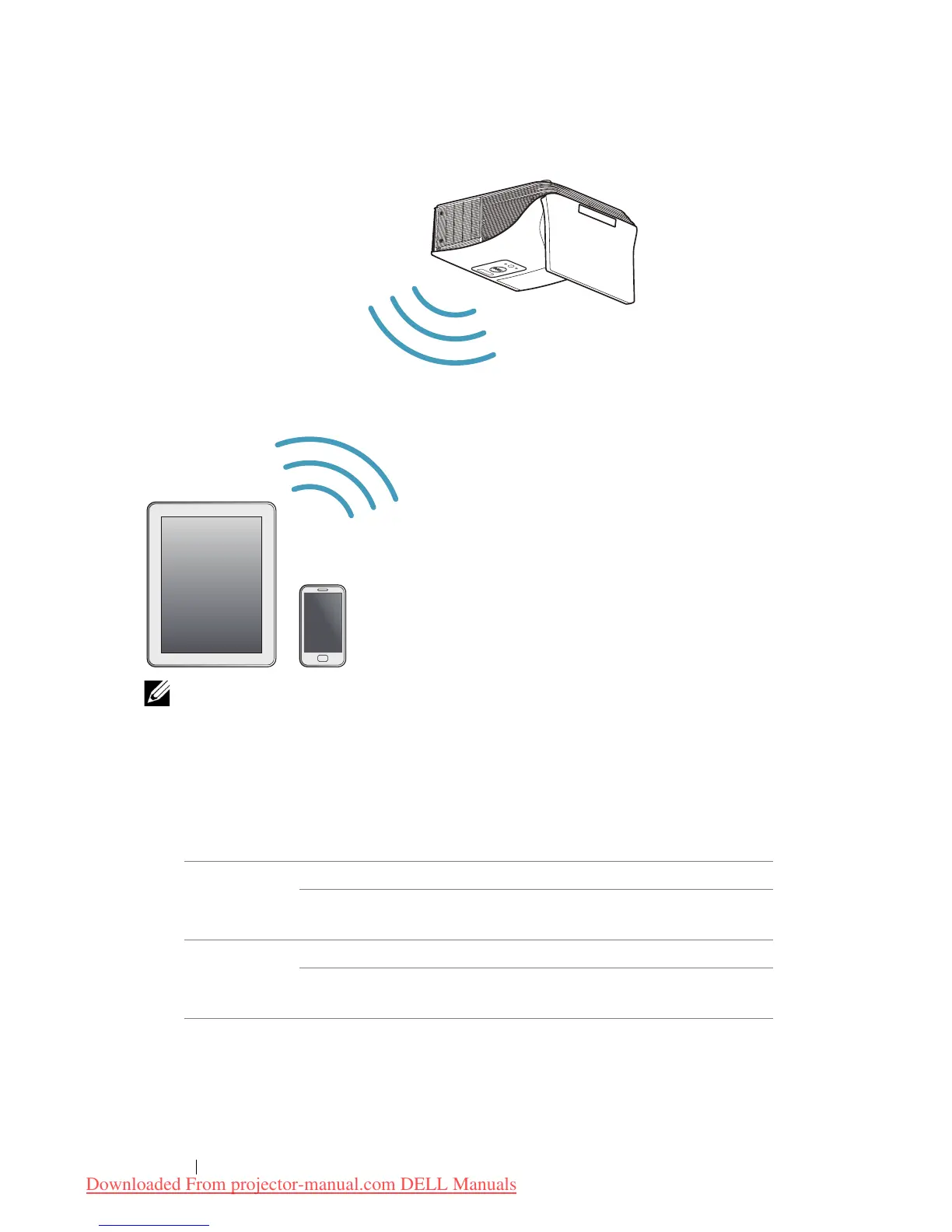
Connecting to Smartphone or Tablet Using Wireless
NOTE: Dell S520 supports MobiShow and WiFi-Doc functions. They
are applications which transmit supported content from your Android
or iOS devices wirelessly. After installing and launching the
application on your mobile device, enable Wi-Fi on your mobile
device and connect to the projector network, Dell S520. For more
Information, please visit go to Dell Support site at dell.com/support.
Files supported are:
* Please install the PtG2 Converter into your PC for file conversion of
ppt into PtG2 format. PtG2 Converter can be downloaded from
dell.com/support.
Mobi Show Photos jpeg / jpg
MS Powerpoint PtG2 (converted from
ppt)*
WiFi-Doc Photos jpeg / jpg
MS Powerpoint / Word /
Excel / Text / PDF
ppt / pptx / doc / docx /
xls / xlsx / txt / pdf
Downloaded From projector-manual.com DELL Manuals



 To Next Page