Connecting Your Projector 19
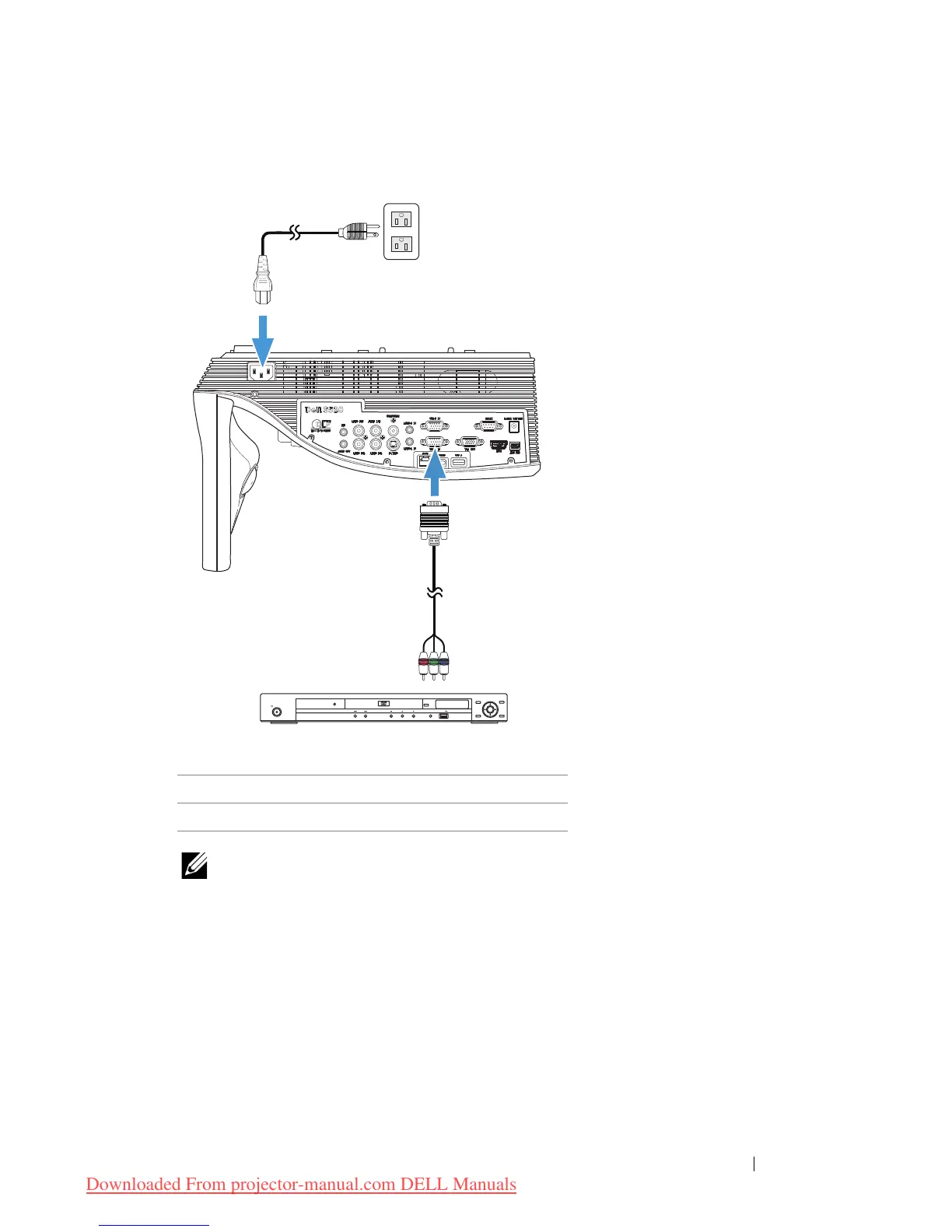
Connecting a DVD Player Using a Component Video Cable
NOTE: The VGA to Component Video cable is not shipped with your
projector. You can purchase the VGA to Component Video Extension
(50 ft/100 ft) cable on the Dell website at
www.dell.com
.
1 Power cord
2 VGA to Component Video cable



 To Next Page