Connecting Your Projector 23
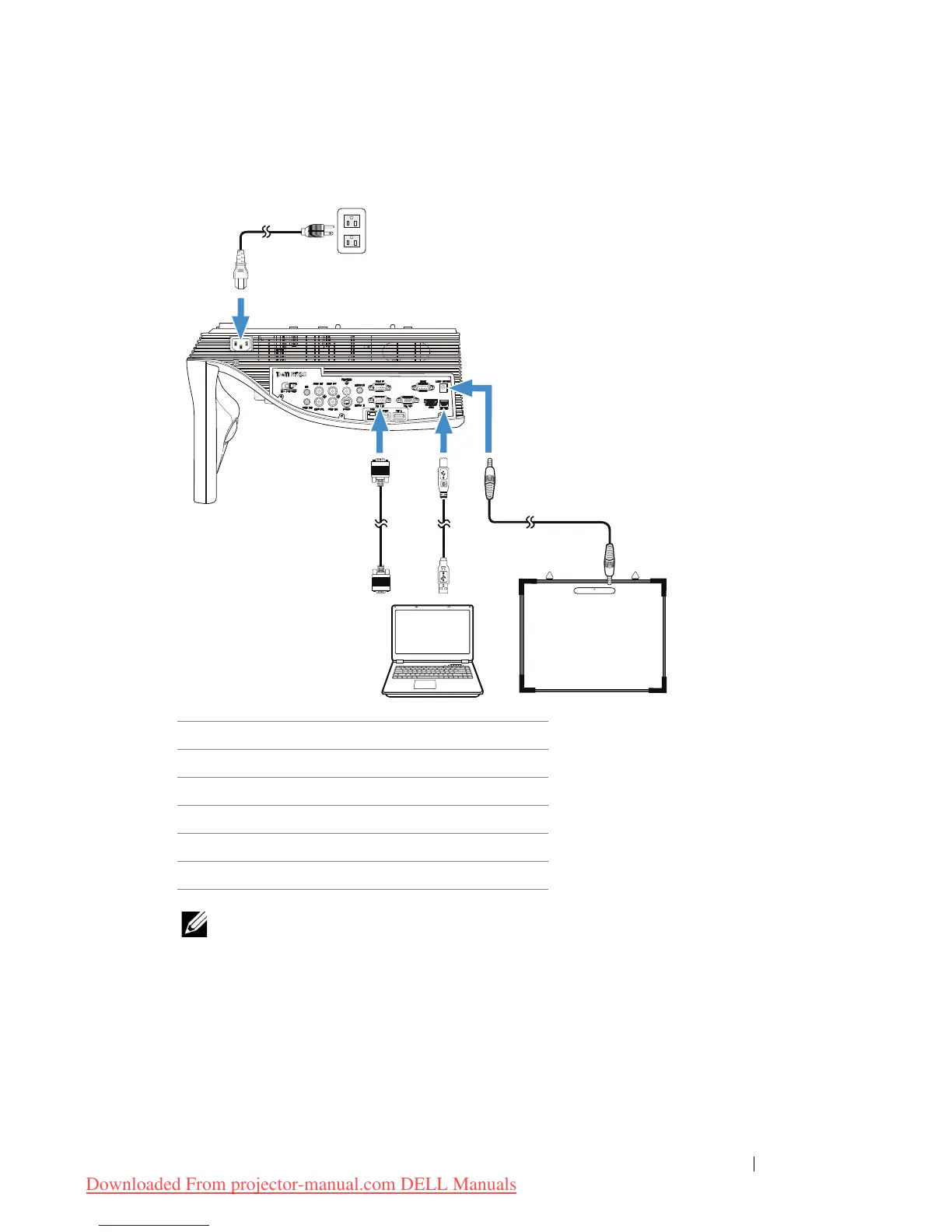
Connecting With Your Laser Curtain for Interactivity
NOTE:
1
The Laser Curtain is shipped with your whiteboard.
2
The Laser Curtain should be installed 2 cm higher than the upper edge of
the projection screen.
3
The flatness of the whiteboard should be 2 mm or less.
4
Either of the VGA and HDMI cables can be connected to the computer and
projector.
1 Power cord
2 VGA to VGA cable
3 USB-A to Mini USB-B cable
4 DC to DC cable
5 Laser curtain
6Whiteboard



 To Next Page