28 Using Your Projector
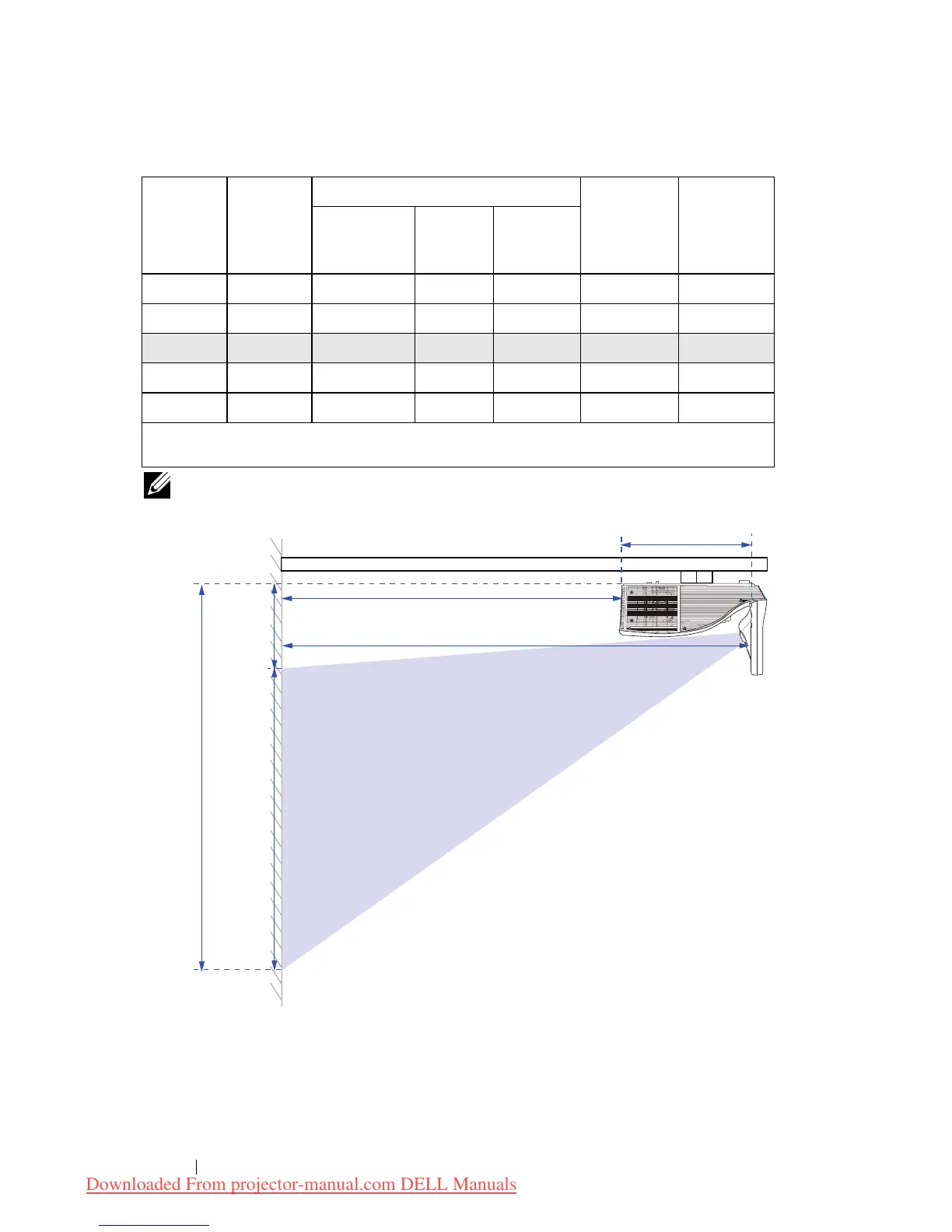
NOTE: The distance from mirror to the rear of projector: 33.5 cm
Projection
Distance
(cm)
[A]
Projection
Distance
(cm)
[B]
Image size
Projector
base to top of
image (cm)
[D]
Projector
base to
bottom of
image (cm)
[E]
Diagonal
(inch/cm)
[C]
Width (cm)
Height (cm)
[H]
51.7 18.2 70"/ 177.8 cm 148 92 120 28
60.1 26.6 80"/203.2 cm 172 107 139 32
65.5 32 87.2"/221.4 cm 187 117 151 34
67.7 34.2 90"/228.6 cm 193 121 156 35
75.9 42.4 100"/254 cm 217 136 175 39
* This graph is for user reference only.
* Offset Ratio: 125±5%
[E]
Image
Diagonal
[C]
Projection Distance [A]
Projection Distance [B]
Height
[D]
Image
Height
[H]
33.5 cm
Downloaded From projector-manual.com DELL Manuals



 To Next Page