36 Using Your Projector
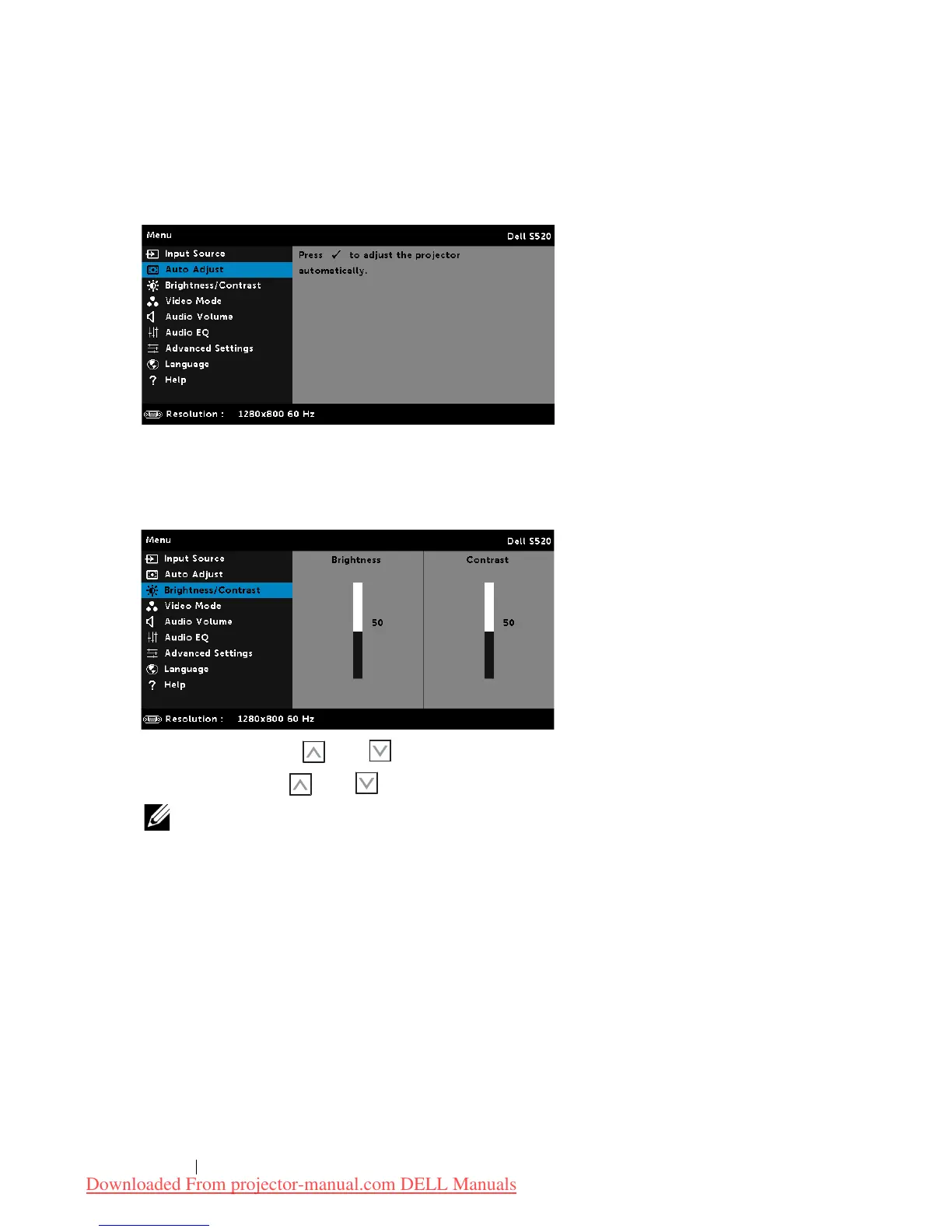
AUTO ADJUST
Auto Adjust automatically adjusts the projector's Horizontal, Vertical,
Frequency, and Tracking in PC mode.
BRIGHTNESS/CONTRAST
The Brightness/Contrast menu allows you adjust the brightness/contrast
settings of your projector.
BRIGHTNESS—Use
and
to adjust the brightness of the image.
CONTRAST—Use
and
to adjust the display contrast.
NOTE: If you adjust the settings for
Brightness
and
Contrast
the
projector automatically switches to Custom mode.
Downloaded From projector-manual.com DELL Manuals



 To Next Page