38 Using Your Projector
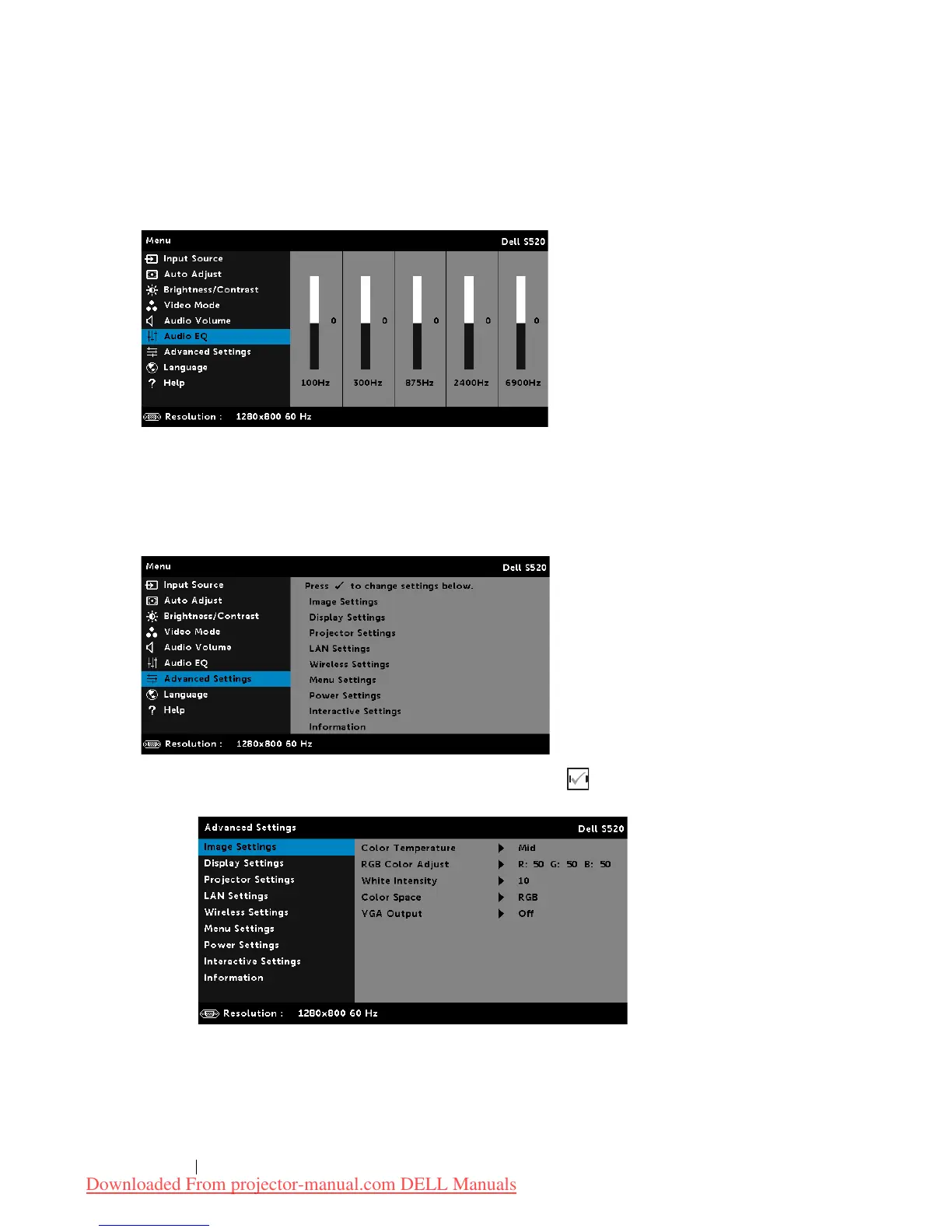
AUDIO EQ
The Audio EQ menu allows you adjust the audio to boost or reduce
(attenuating) the levels of different frequencies in a signal.
ADVANCED SETTINGS
The Advanced Settings menu allows you to change settings for
Image
,
Display
,
Projector
,
LAN
,
Wireless
,
Menu
,
Power
,
Interactive
, and
Information
.
IMAGE SETTINGS (IN PC MODE)—Select and press to activate image
settings. The image settings menu provides the following options:
Downloaded From projector-manual.com DELL Manuals



 To Next Page