42 Using Your Projector
3D FORMAT—
Allows you to select the 3D format. Options are: Side By
Side, Side By Side Full, Frame Sequential, Field Sequential, Top/Bottom,
and Top/Bottom Full.
3D SYNC INVERT—
If you see a discrete or overlapping image while
wearing DLP 3D goggles, you may need to execute 'Invert' to get
best match of left/right image sequence to get the correct image.
(For DLP 3D goggles)
NOTE:
1
When you want to create a 3D experience, you will need a
few other components including:
a
"Active" 3D glasses with DLP Link™.
b
3D content. See "Note 2".
c
3D Player.
2
HDMI 1.4a 3D support and refresh rate are as below:
a
1280x720p@50 Hz Frame Packing
b
1280x720p@59.94/60 Hz Frame Packing
c
1920x1080p@23.98/24 Hz Frame Packing
d
1920x1080i@50 Hz Side by Side Half
e
1920x1080i@59.94/60 Hz Side by Side Half
f
1280x720p@50 Hz Top and Bottom
g
1280x720p@59.94/60 Hz Top and Bottom
h
1920x1080p@23.98/24 Hz Top and Bottom
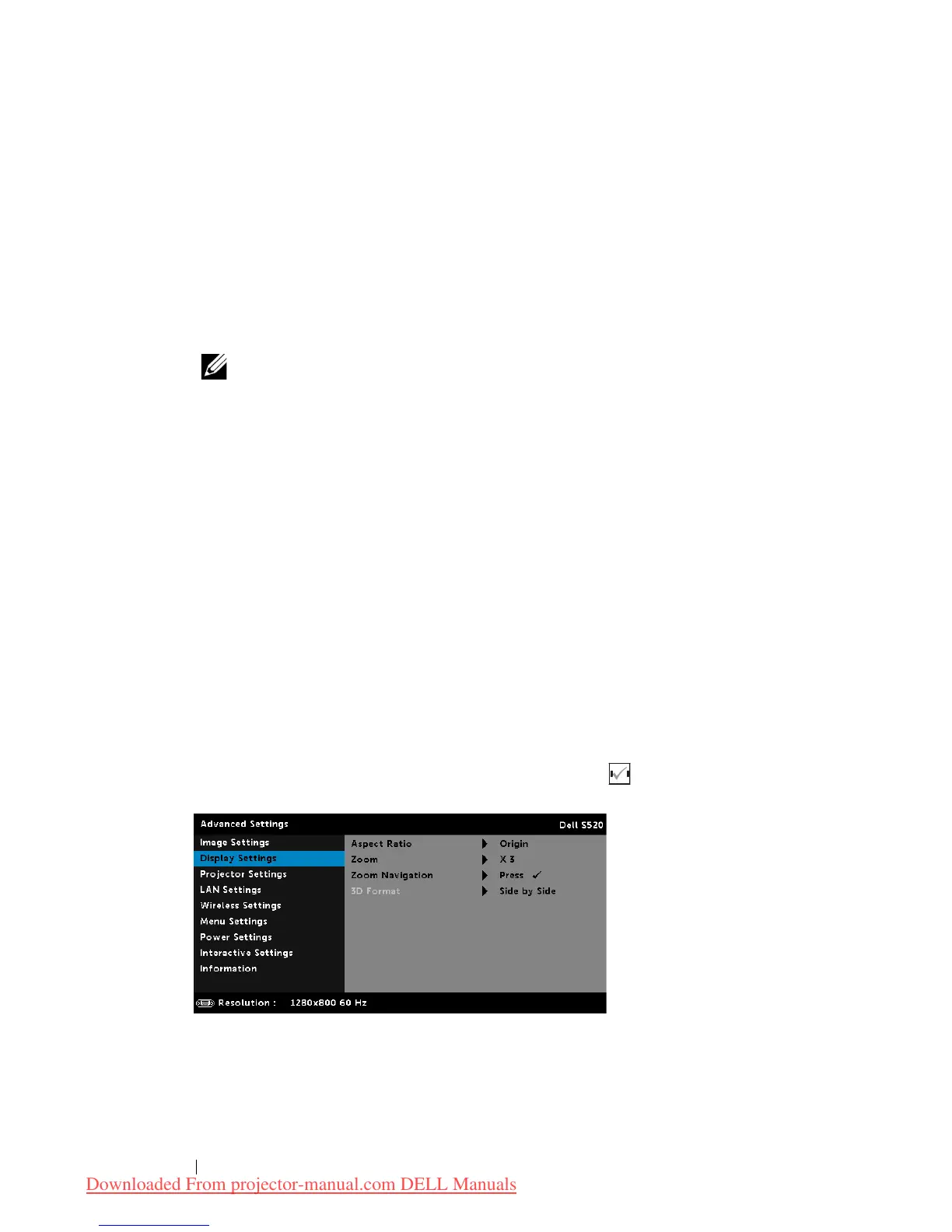
DISPLAY SETTINGS (IN VIDEO MODE)—Select and press to activate
display settings. The display settings menu provides the following options:
A
SPECT RATIO—
Allows you to select the aspect ratio to adjust how the
image appears. Options are: Origin, 16:10, and 4:3.
Downloaded From projector-manual.com DELL Manuals



 To Next Page