Using Your Projector 45
NOTE: To capture a full image, ensure that the input signal
connected to the projector is at 1280 x 800 resolution.
T
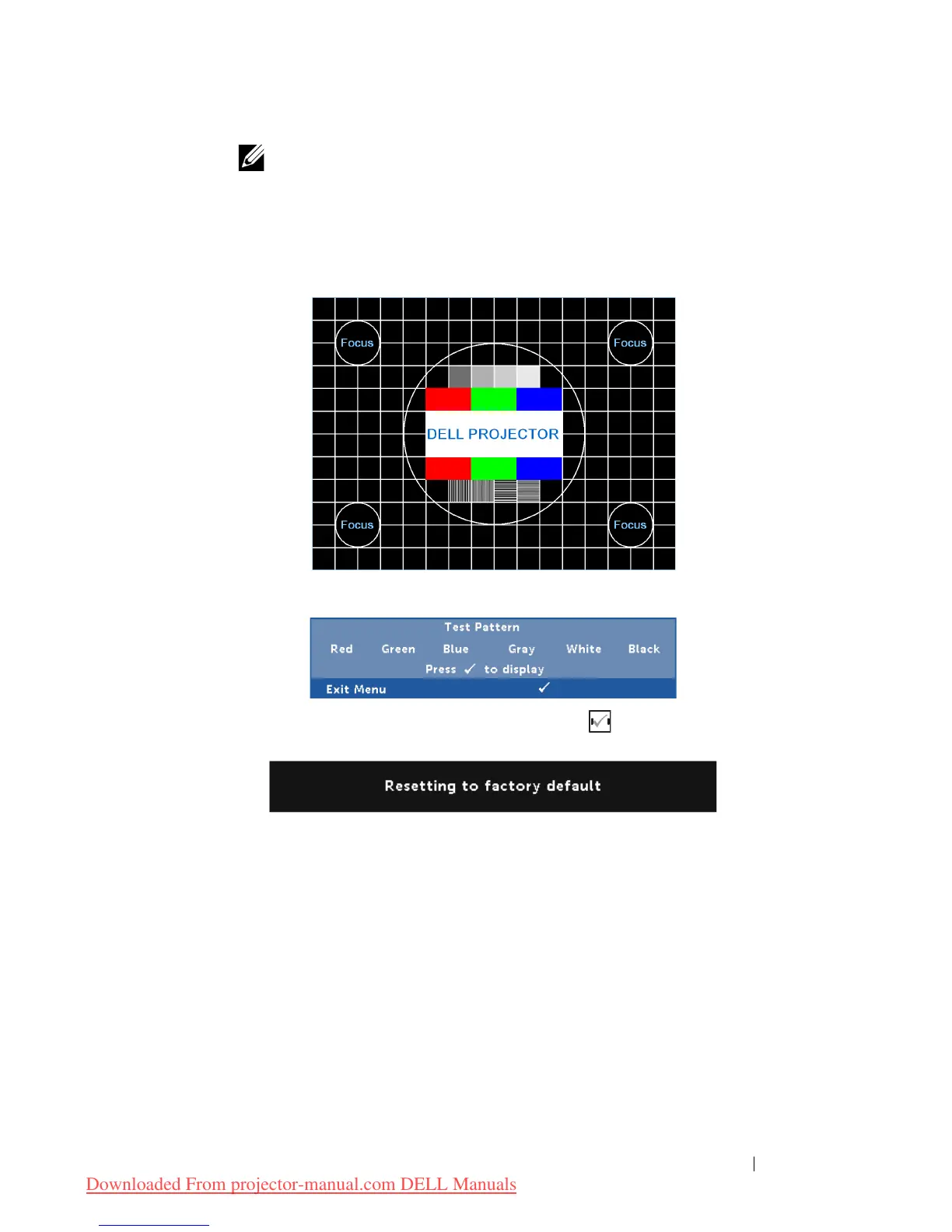
EST PATTERN—Test Pattern is used to test focus and resolution.
You can enable or disable the
Test Pattern
by selecting
Off
,
1
, or
2
.
F
ACTORY RESET—Select Confirm and press to reset all settings to
its factory default. The below warning message appears:
Reset items include both computer sources and Video source
settings.



 To Next Page