52 Using Your Projector
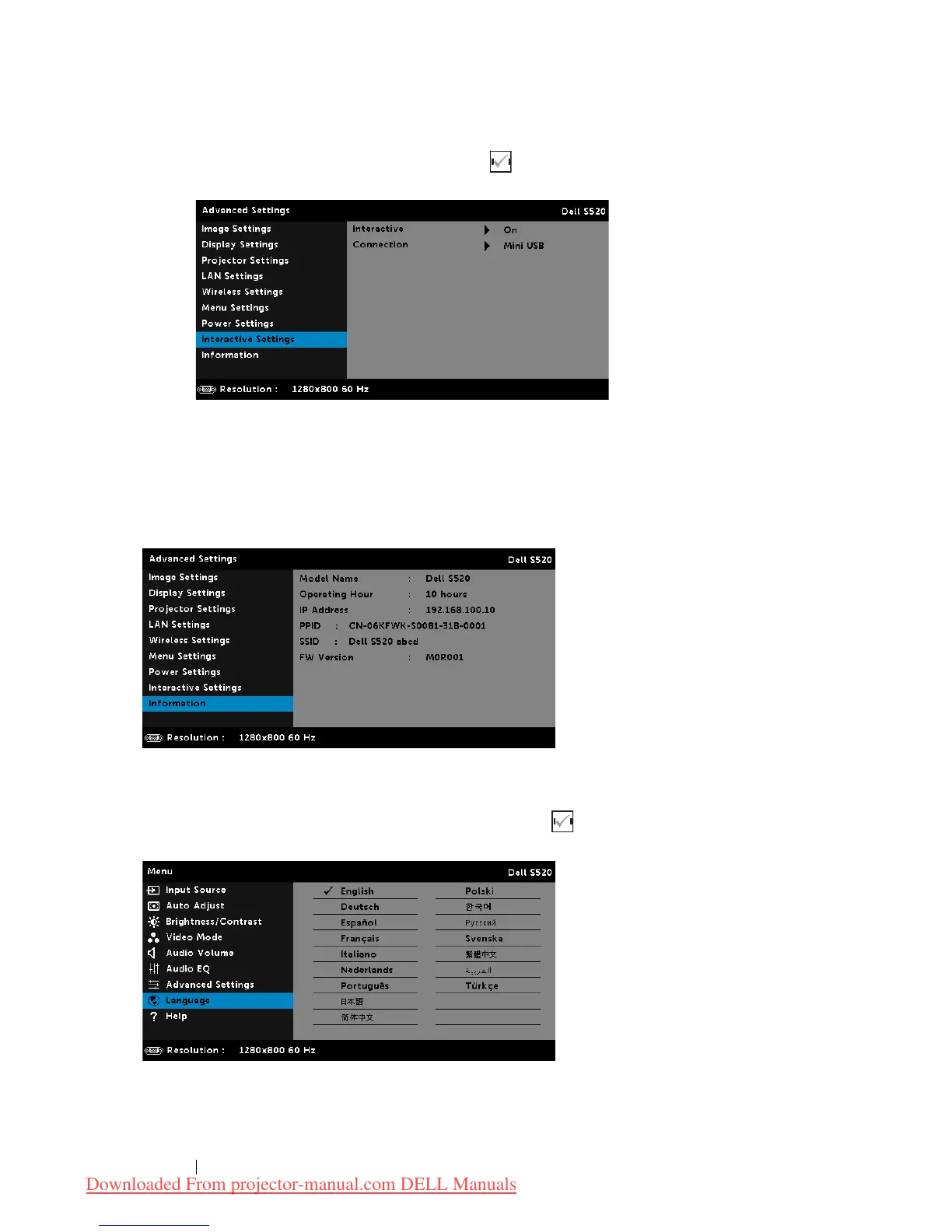
INTERACTIVE SETTINGS—
Select and press to activate Interactive settings.
The Interactive settings menu provides the following options:
INTERACTIVE—
Select
On
(the default) to turn on the DC power.
CONNECTION—
Allows you to set the laser touch connector selection
as
Mini USB
or
Wireless/LAN
.
INFORMATION—
The information menu displays the current S520 projector
settings.
LANGUAGE
Allows you to set the language for the OSD. Press to activate the
Language menu.
Downloaded From projector-manual.com DELL Manuals



 To Next Page