Using Your Projector 65
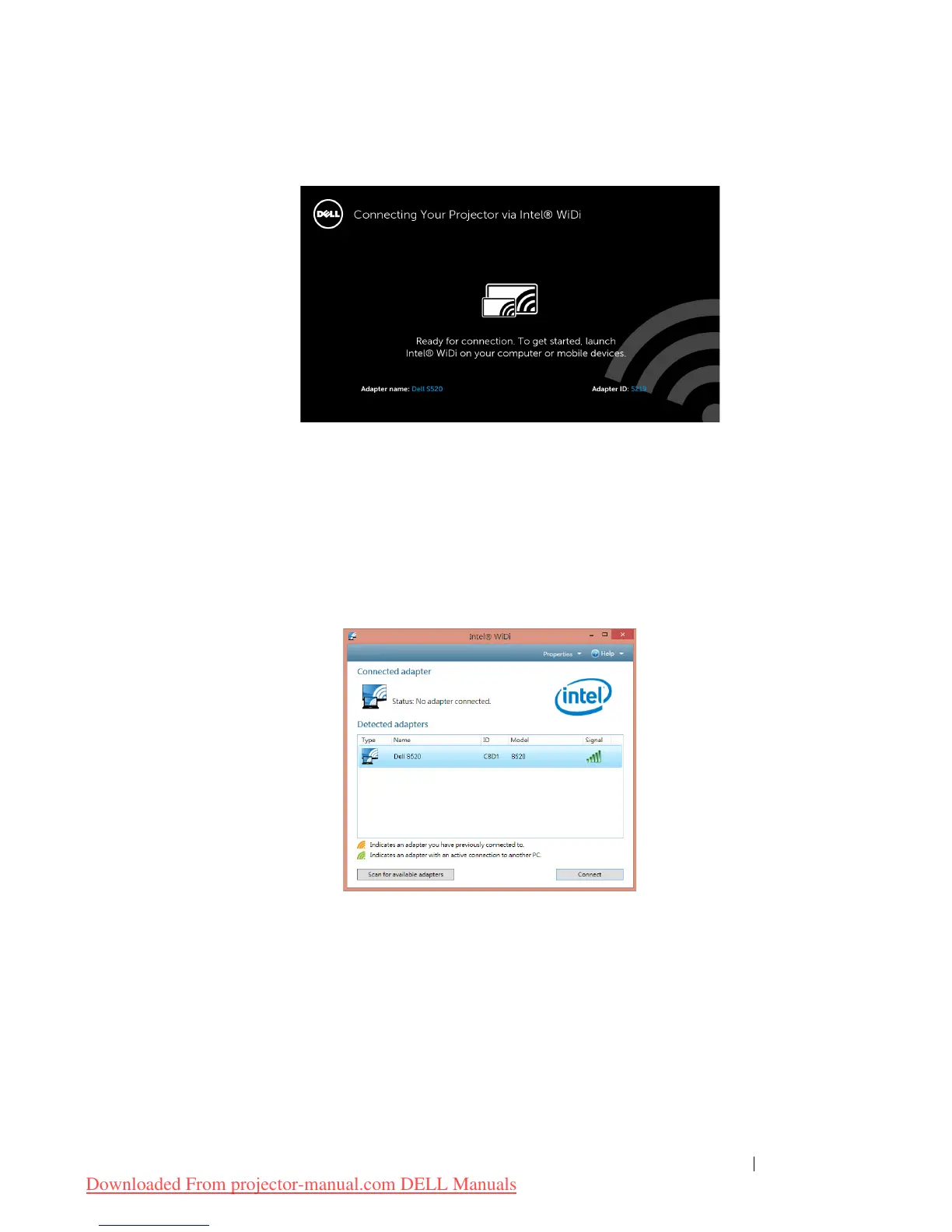
The
Intel
®
WiDi Guide Screen
shown below appears:
4 Take note of the
ADAPTER NAME
and
PIN CODE
. You will need this
information to log in later.
Launch the Intel
®
WiDi on Your Computer
5
Type WiDi in your Windows search bar. If your computer has built-in
Intel
®
WiDi, you will see the “Intel
®
WiDi” application in your search
results.
6 Connect your computer to Dell S520.
Downloaded From projector-manual.com DELL Manuals



 To Next Page