74 Using Your Projector
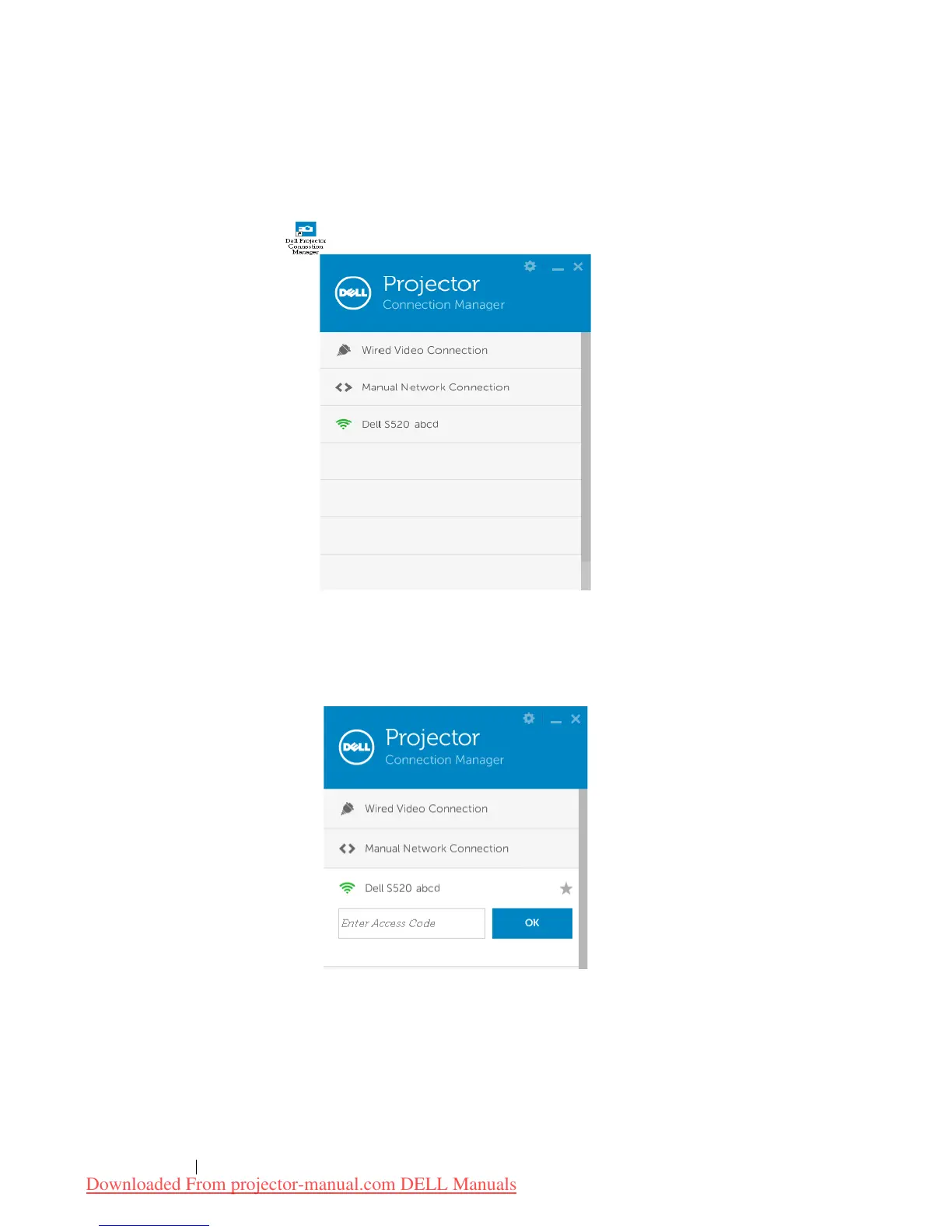
Launch the Dell Projector Connection Manager (for Wireless Display)
Once the installation is complete, the program will launch and search
automatically. If the program does not launch automatically, you can
double-click the icon on the desktop to start the application.
Login
Login with the Access Code provided in Step 4 of Wireless Display or LAN
Display Installation, then click OK.
Downloaded From projector-manual.com DELL Manuals



 To Next Page