14 About Your Dell Projector
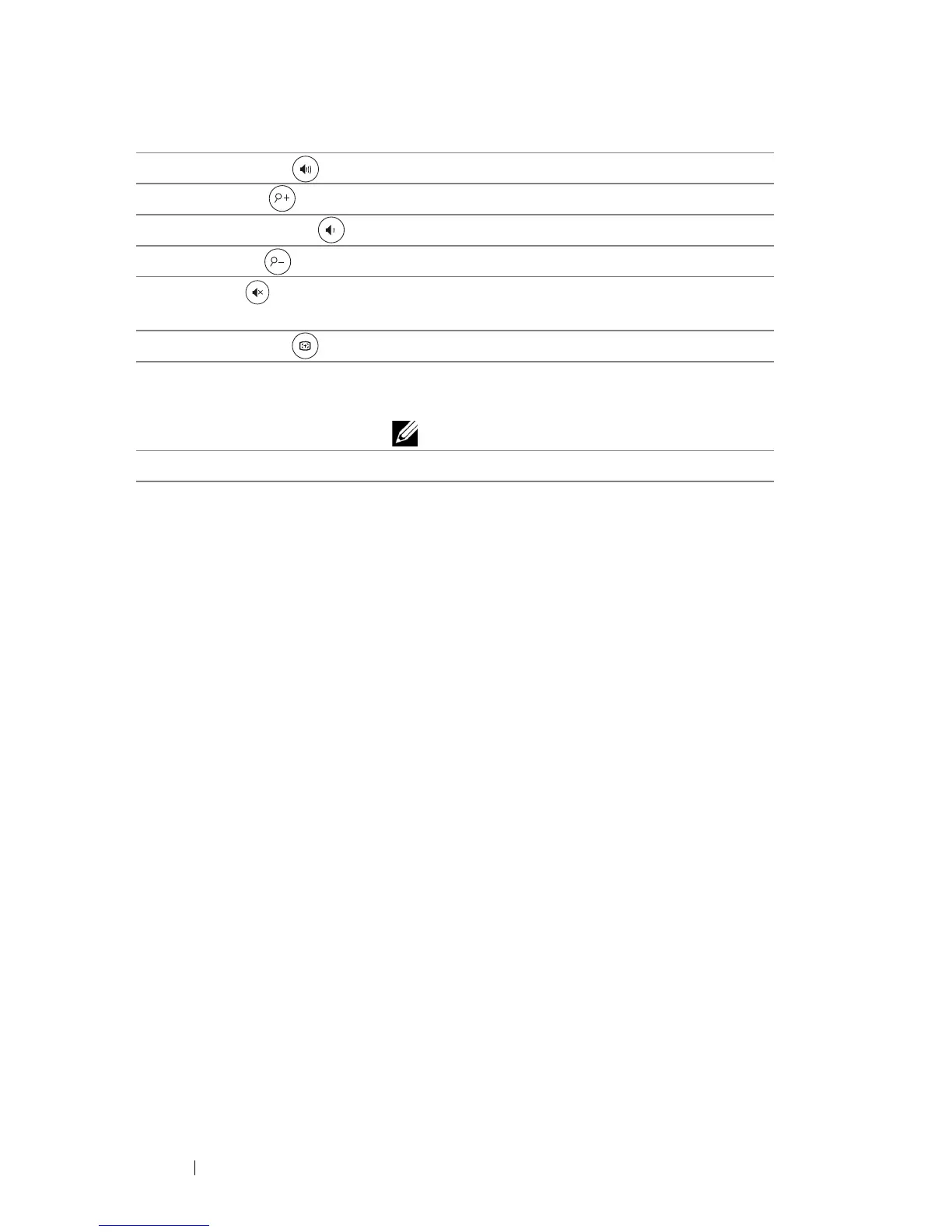
19 Volume up Press to increase the volume.
20 Zoom + Press to increase the image.
21 Volume down Press to decrease the volume.
22 Zoom - Press to decrease the image.
23 Mute Press to mute or un-mute the projector
speaker.
24 Auto Adjust Press to auto adjust the displayed image.
25 Calibrate Touch Press to calibrate touch to adjust for better
accuracy.
NOTE: Setup Utility is required.
26 VGA Press to choose VGA source.



 To Next Page