Using Interactive Touch (Only for S560T) 29
Interactive Touch Calibration
1
Switch to display mode "Projector only".
2
Perform touch calibration on S560P using the S560x interactive utility
(Win, Mac).
3
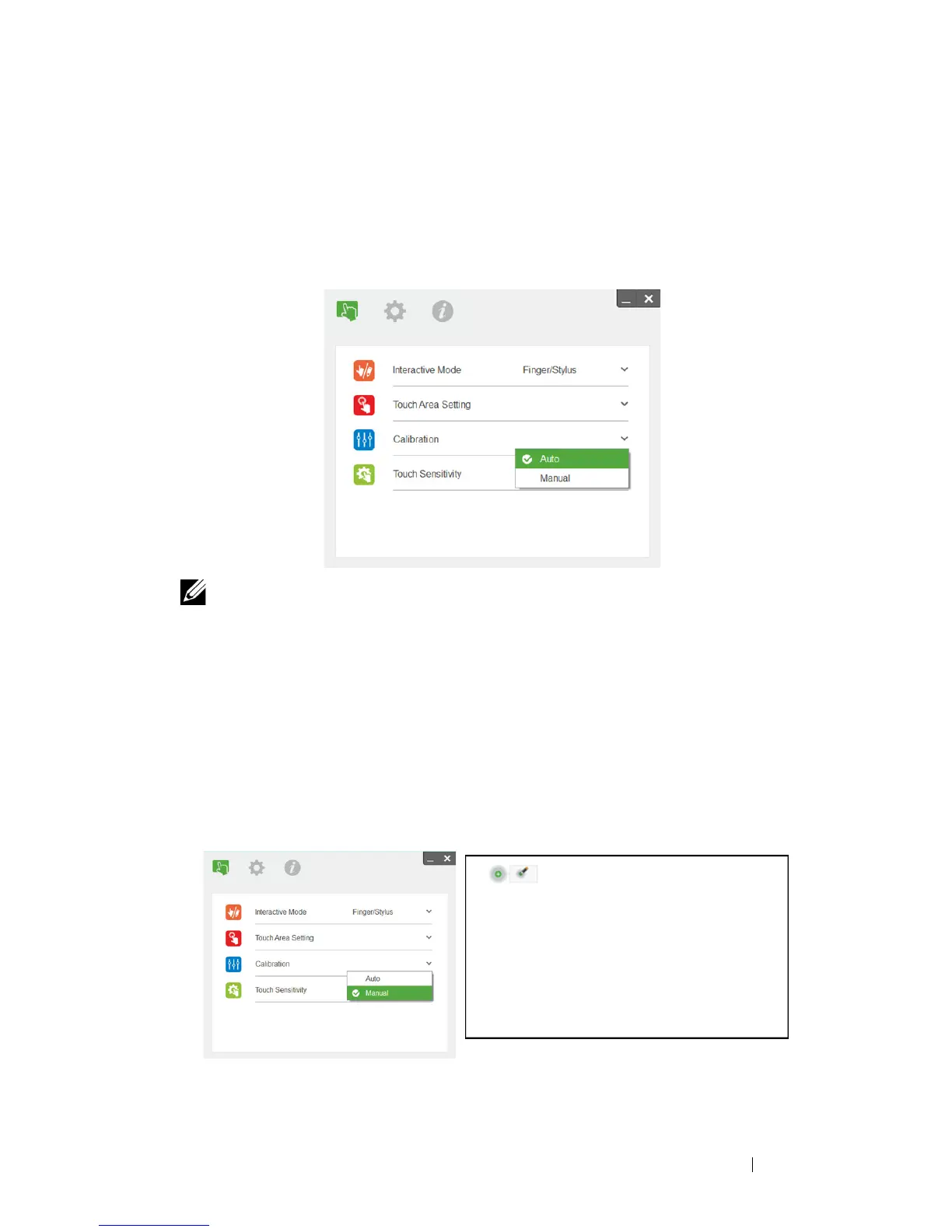
Select auto-calibration while running the S560X interactive utility.
NOTE: If the fail message pops up, follow below steps to trouble-
shoot and do Auto Calibration again.
•
Close all software application
•
Reduce ambient light
•
Do not obstruct or shake lens during calibration
•
Check if projection image is clear, if not, adjust focus to sharpen the
image
If auto-calibration fails, setup using 'manual calibration'.
4
Select Manual Calibration, and follow the steps for calibration. Manual
Calibration is suggested to get a better accuracy.



 To Next Page