Using Interactive Pen (Only for S560P) 19
Replacing the Interactive Pen Batteries
NOTE: If the battery is low, the LED indicator starts flashing red as
you turn on the pen. You should replace with two new AAA batteries.
1
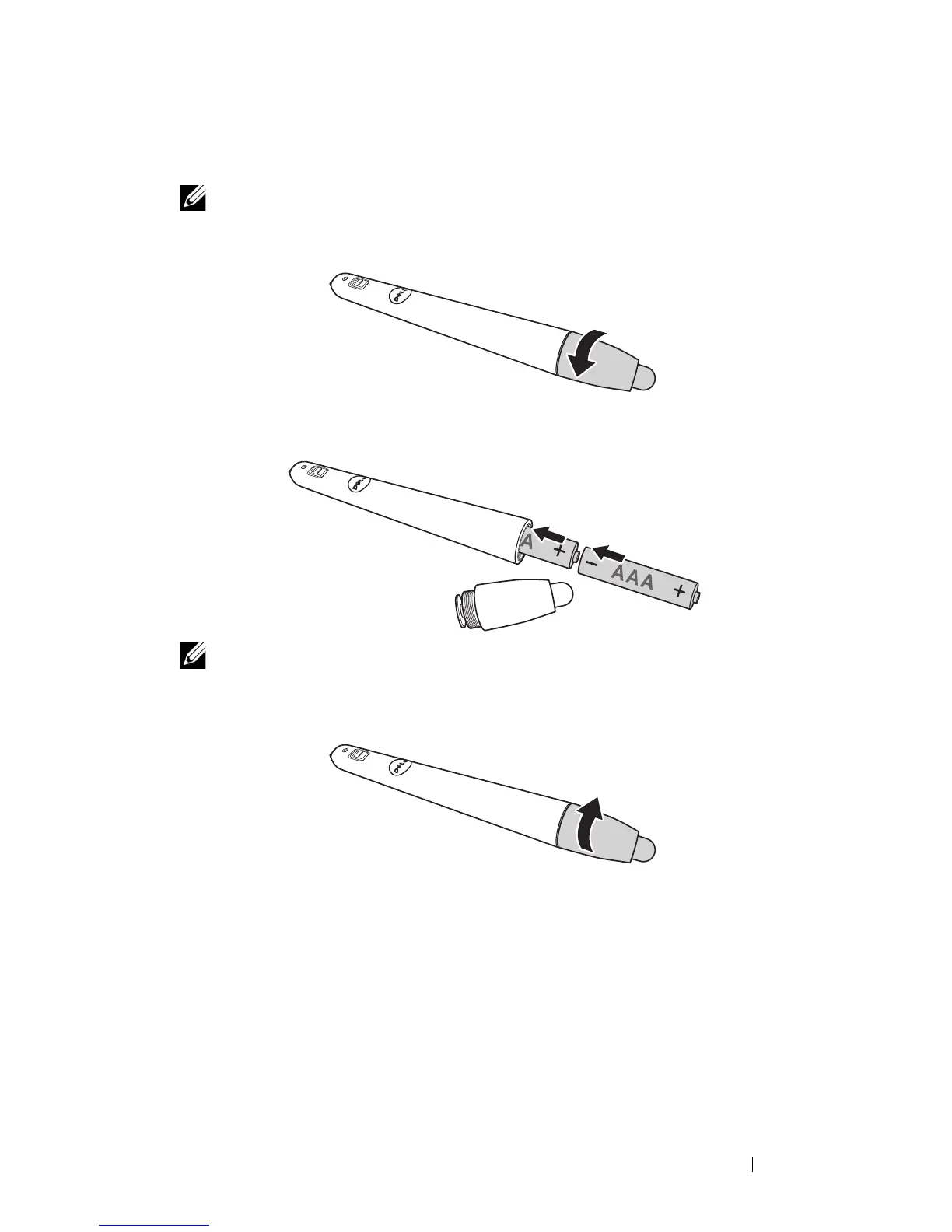
You can access the battery compartment by turning open the pen head.
2
Insert the batteries and align their polarity correctly according to the
marking on the pen head.
NOTE: Avoid mixing different types of batteries or using new and
old batteries together.
3
Place the pen head back, turn until the battery compartment access is fully
closed.



 To Next Page