26 Using Interactive Touch (Only for S560T)
Step 2:
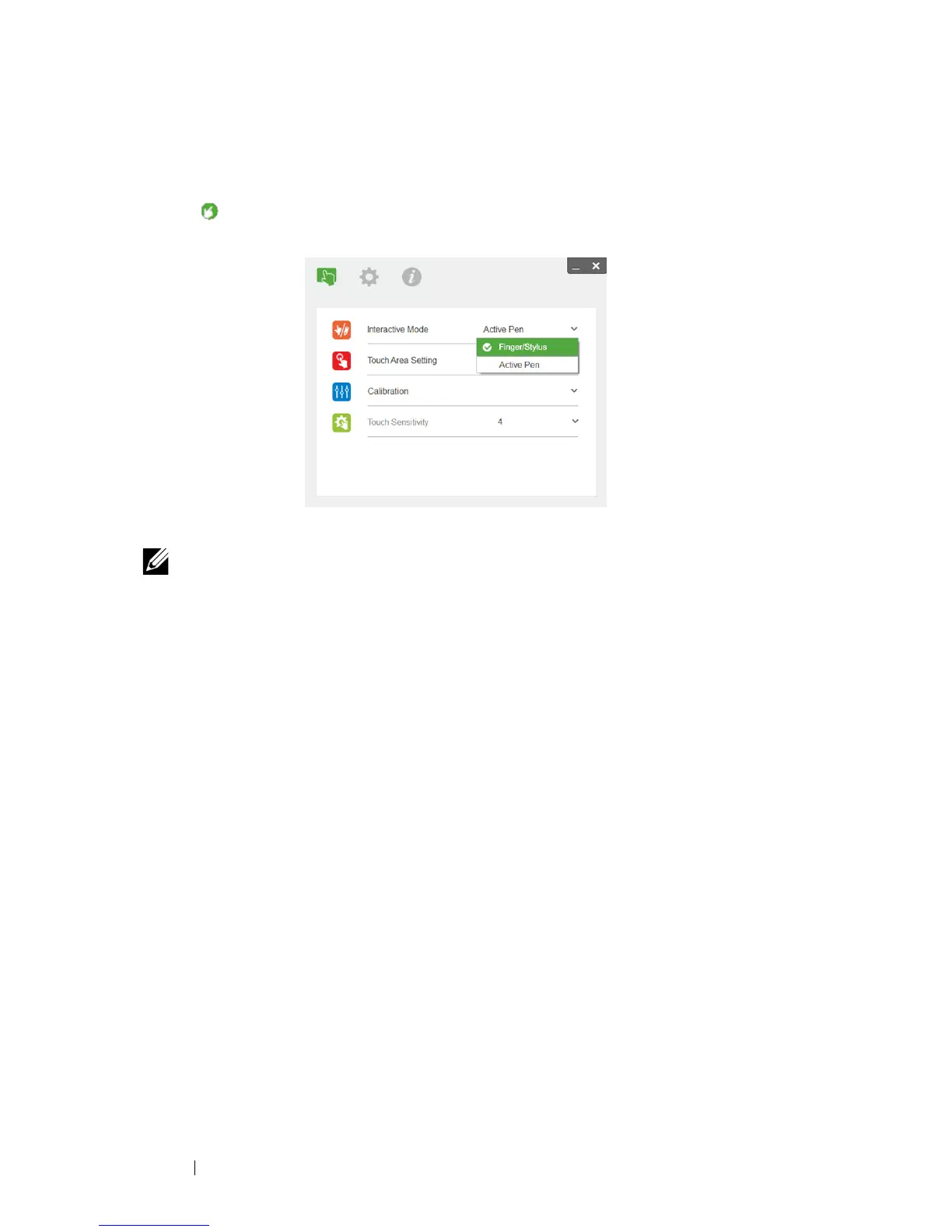
Running Dell S560x Interactive Utility, users can select default Interactive
Mode ( ) for multi-point touch. Switch to Finger/Stylus Mode for S560T
with Touch Unit interactive touch.
Only single-point touch is available for Mac OS X system.
NOTE: For Mac OS computer, Dell S560x Interactive Utility must be
executed.



 To Next Page