12 | Restoring Application Positions
Restoring Application Positions
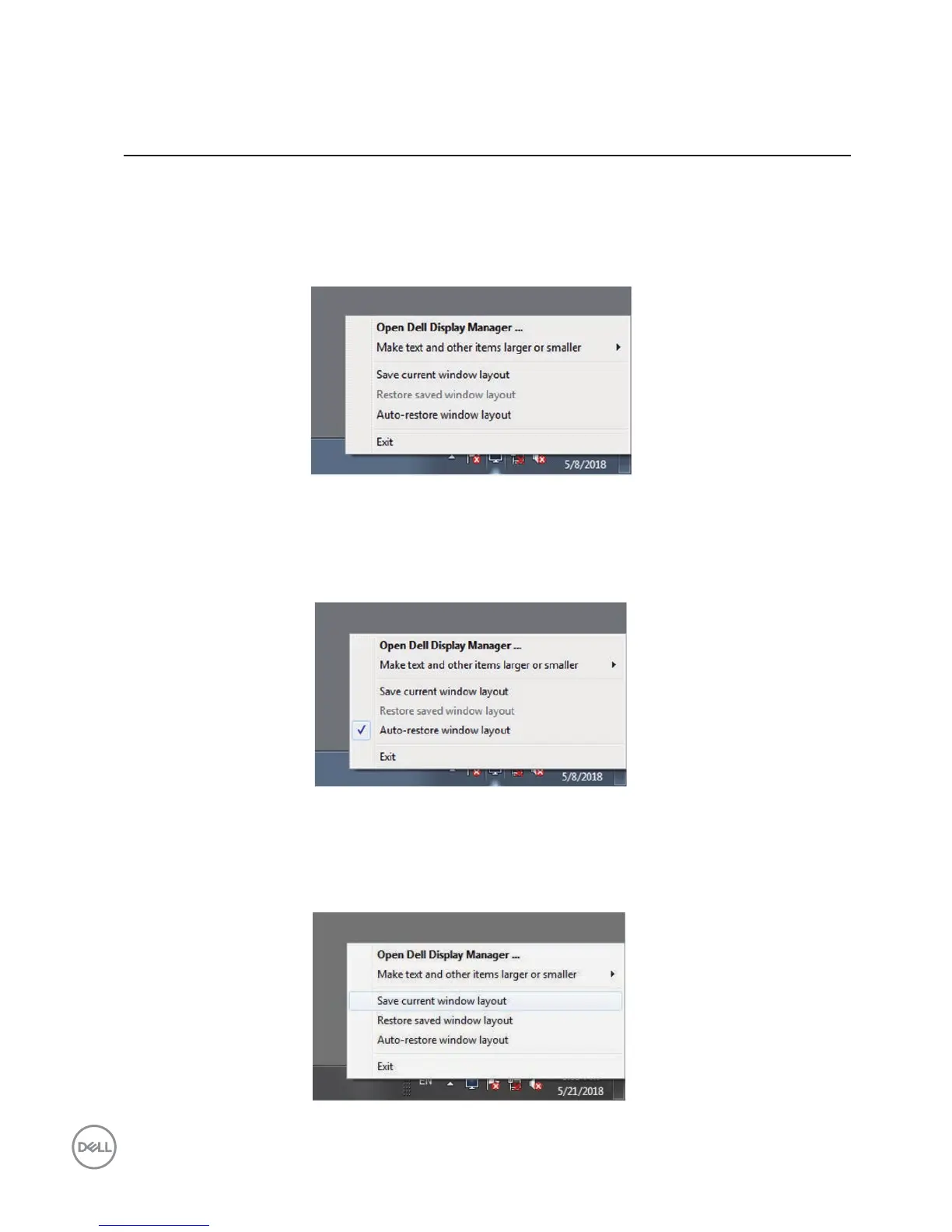
DDM can help you restore application windows into their positions when you
reconnect your computer to the monitor(s). You can quickly access this
feature by right-clicking on DDM icon in the notication tray.
If you choose “Auto-restore window layout”, your application windows'
positions are tracked and remembered by DDM. DDM automatically puts the
application windows into their original positions when you reconnect your PC to
your monitor(s).
If you want to go back to a favorite layout after you have moved the
application windows around, you can first “
Save current window layout”
and
later
“
Restore
saved window layout”.



 To Next Page